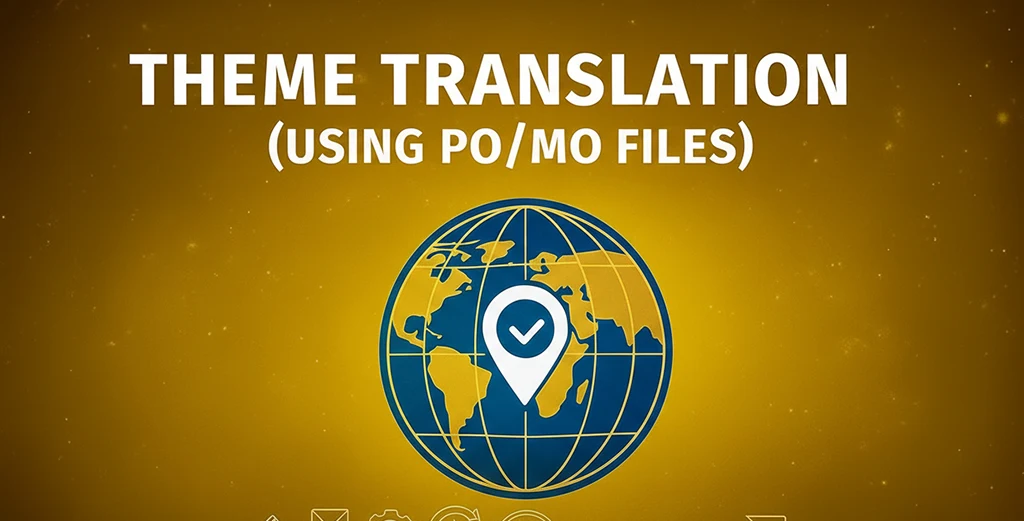
Theme Translation Using PO/MO Files — Complete WordPress Localization Guide
If you want to make your website multilingual, theme translation using PO/MO files is the easiest and most reliable method. This guide explains how to translate your WordPress theme step by step for better SEO and a wider global reach.

Why Translate Your WordPress Theme?
Translating your theme using PO and MO files allows your website to connect with international visitors and improve search visibility. Localized themes build trust, increase conversions, and help your brand grow faster online.
- Better user experience — visitors read content in their preferred language.
- Global audience reach — your theme becomes accessible to users worldwide.
- SEO advantage — multilingual sites perform better on Google.
For more customization help, visit our WordPress Theme Customization Tips guide.
How to Translate a WordPress Theme Using PO/MO Files
Follow these easy steps to translate your theme using PO and MO files in WordPress:
-
Extract strings: Use Poedit or Loco Translate to create a
.pofile from your theme. - Translate: Enter translated text for each string in your language.
-
Generate MO file: Save your changes to automatically generate the
.mofile. -
Upload: Place your files inside
wp-content/languages/themesor your theme’slanguagesfolder.
Best Practices for PO/MO Theme Translation
- Keep translations natural and context-appropriate.
- Save translation files in a child theme to prevent overwriting.
- Always back up PO/MO files before theme updates.
- Check formatting, currency, and date consistency for each language.
Frequently Asked Questions About Theme Translation
What is the difference between PO and MO files?
The .po file contains editable text strings, while the .mo file is the compiled version used by WordPress to display translated text.Can I translate my theme directly in WordPress?
Yes, you can use the Loco Translate plugin to translate your theme directly from the WordPress dashboard.Will translations be lost after updates?
Store PO/MO files inwp-content/languages/themes or a child theme to preserve them after updates.
- Focus Keyphrase: Theme translation using PO/MO files.
- SEO Title: Theme Translation Using PO/MO Files — Complete WordPress Localization Guide.
- Meta Description: Learn how theme translation using PO/MO files helps you translate your WordPress theme step by step. Boost SEO, improve accessibility, and reach a global audience easily.