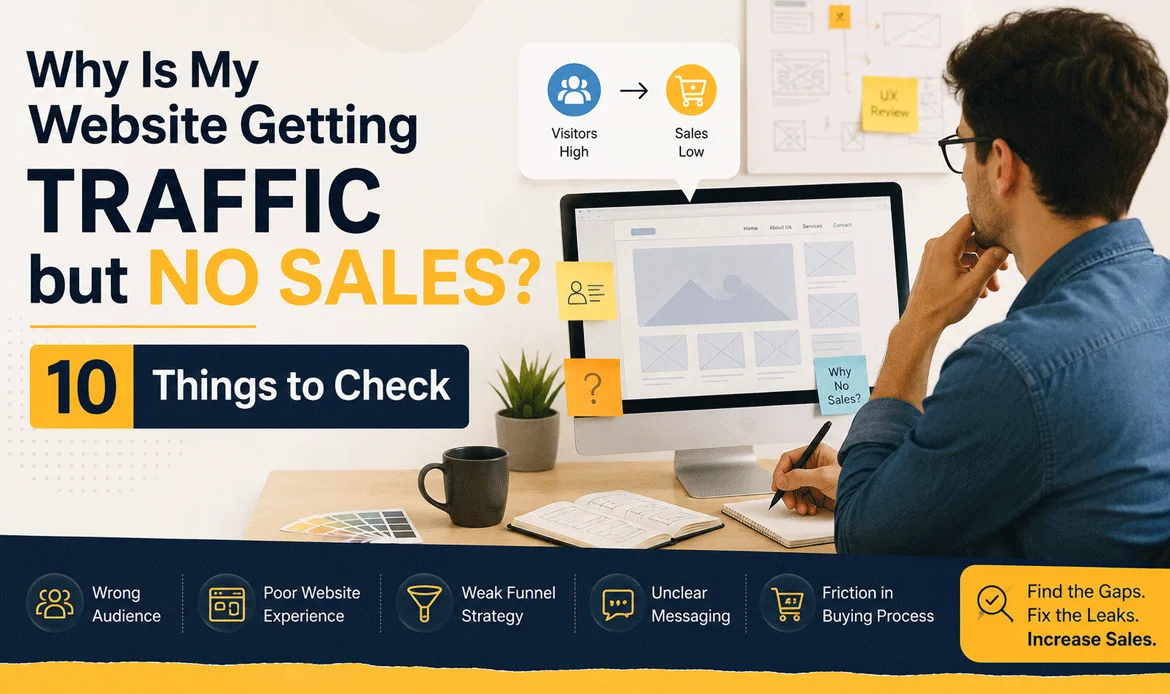
Website traffic but no sales usually means the problem is not simply a lack of visitors. Your website may be attracting the wrong audience, failing to communicate value, creating trust concerns, or making the buying process harder than it needs to be.
Your analytics dashboard looks promising: visitors are arriving, pages are being viewed, and your traffic graph may even be growing. But when you check your orders, enquiries, bookings, or sign-ups, the numbers are disappointing.
Imagine an online clothing store receiving 20,000 monthly visitors but generating only 40 purchases. The owner might immediately invest in more advertising. However, if visitors cannot find product information, shipping details, reviews, or a clear checkout button, more traffic will only bring more people into the same broken journey.
Before spending more money on SEO or advertising, investigate what happens after visitors land on your website.
In this guide, you will learn:
- Why visitors leave without purchasing
- How to identify conversion problems
- What customers expect from a website
- Which tools can reveal hidden problems
- How to improve your website conversion rate
- How to turn existing traffic into more enquiries and sales
- What to check before increasing your marketing budget
1. Check Whether You Are Attracting the Right Visitors
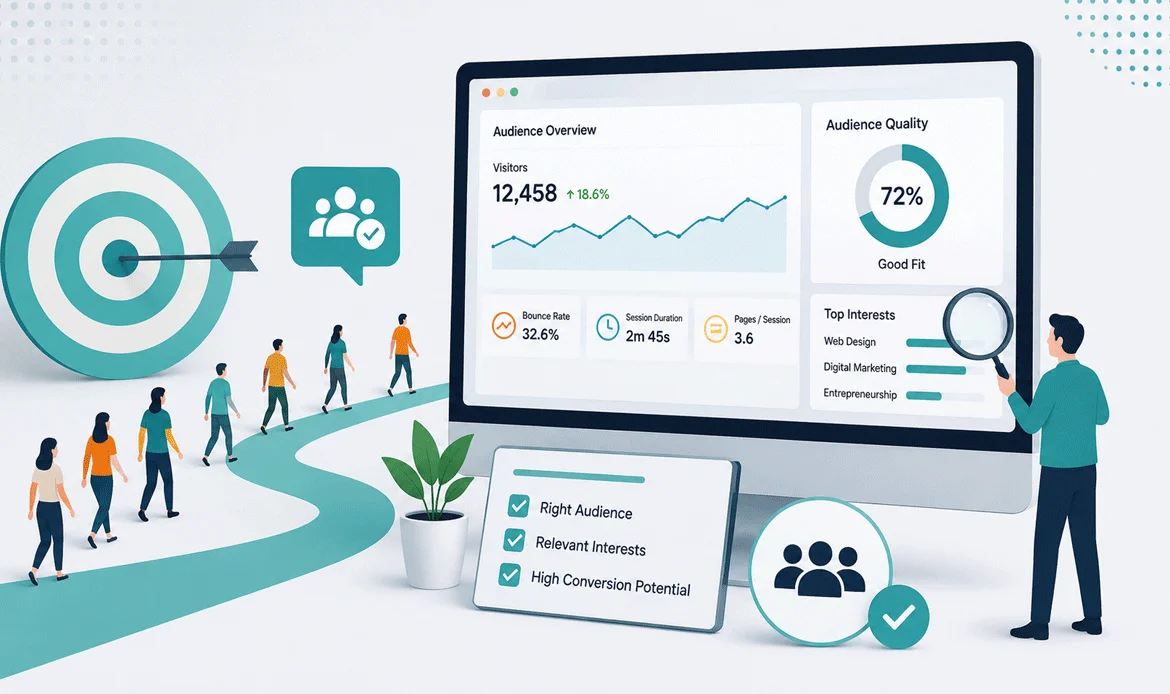
One of the first reasons for website traffic but no sales is poor traffic quality. A website can receive thousands of visitors and still generate very few customers when those visitors do not have genuine buying intent.
For example, suppose you sell premium business websites but your article ranks for searches from students looking for free website templates. Your traffic report may look impressive, but those visitors are unlikely to purchase your service.
Look beyond the total visitor count and examine:
- Which keywords bring visitors to your pages
- Whether visitors match your target customer
- Which landing pages receive the most traffic
- Traffic sources such as Google, social media, referrals, or ads
- Engagement and conversion behavior by traffic source
- Whether visitors are searching for information or ready to buy
Real example: A web design company may receive 10,000 visitors from an informational article about “free website builders.” If its main service costs thousands of dollars, those visitors may not be the right audience.
The solution is to align your SEO keywords, content topics, landing pages, and advertising campaigns with commercial search intent.
More traffic is useful only when it comes from people who actually need what you sell.
2. Make Your Value Proposition Clear Within Seconds
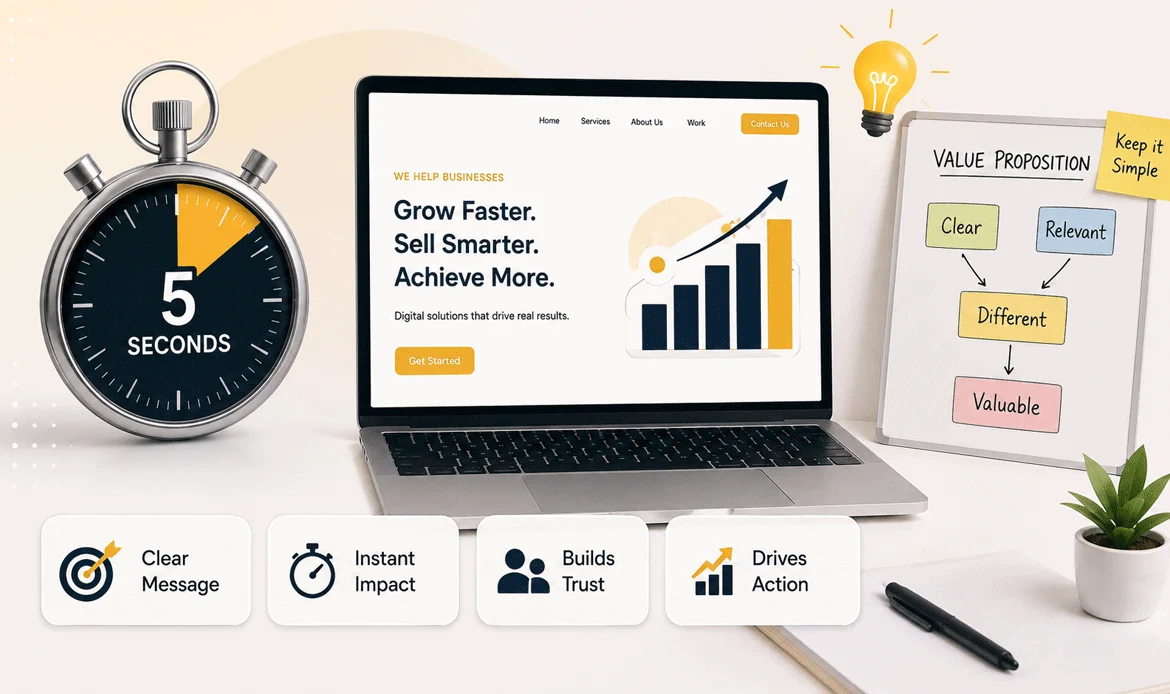
Your value proposition should immediately explain what you offer, who it is for, and why customers should choose it. When visitors cannot understand your main benefit within a few seconds, they may leave before exploring your products or services. This is a common reason for website traffic but no sales, even when your site is attracting a steady flow of visitors.
Visitors should understand three things almost immediately:
What do you offer? Who is it for? Why should they choose you?
If your homepage says something vague such as “We Build Digital Experiences,” users may still have no idea what they can buy or what problem you solve.
A stronger message could be:
“Fast, conversion-focused WordPress websites for growing businesses.”
The second statement gives visitors a clearer reason to continue.
Review your hero section and ask:
- Is the main offer immediately understandable?
- Does the headline focus on a customer problem?
- Is the target audience clearly identified?
- Is the benefit more prominent than technical features?
- Is there one obvious next action?
- Does the supporting text remove common doubts?
Your value proposition should connect customer need → solution → benefit → action.
If visitors have to scroll through several sections to understand your offer, many will leave before they reach your product or service.
3. Improve Your Website Conversion Rate With Better CTAs
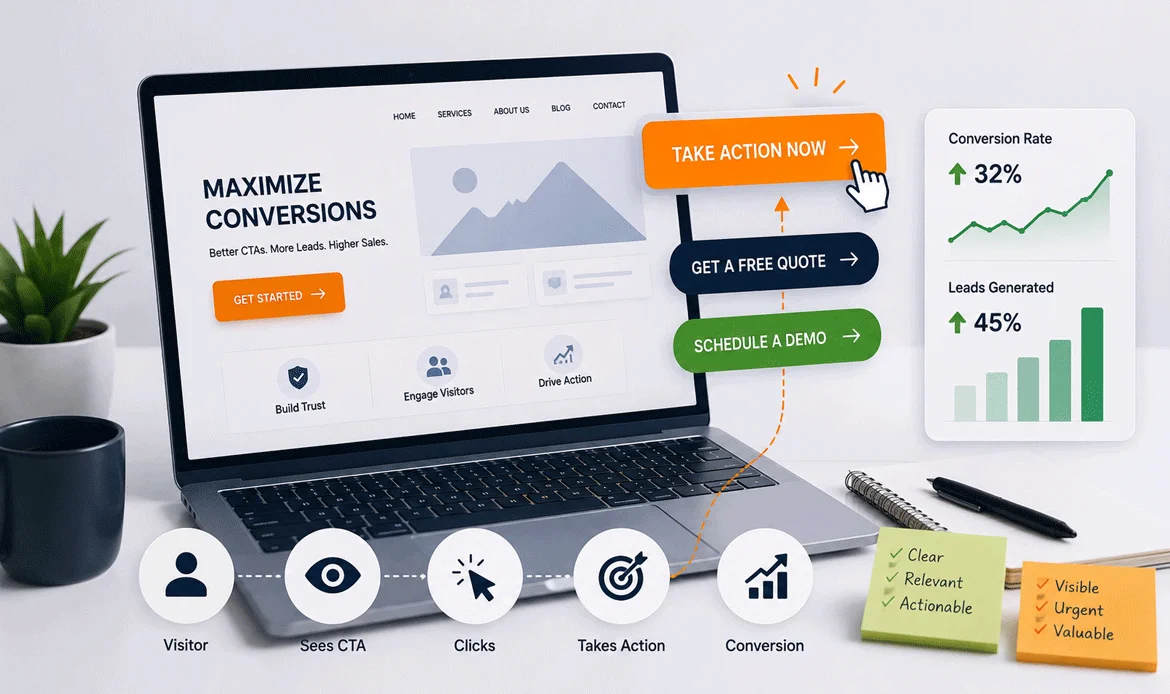
A visitor may be interested in your product but still fail to take action because the next step is unclear.
A website can have excellent content and attractive design but still produce weak results when its calls to action are difficult to notice or poorly positioned. If you’re experiencing website traffic but no sales, improving CTA visibility and placement can help guide visitors toward the next step.
Avoid generic CTA labels such as:
- Click Here
- Submit
- Learn More
- Read More
Instead, make the action specific to the user’s goal:
- Get a Free Quote
- View WordPress Themes
- Start Your Project
- Book a Free Consultation
- Explore All Themes
Also consider where your CTA appears. A single button at the bottom of a long page may not be enough.
Use relevant CTAs:
- Near the primary offer
- After explaining key benefits
- Beside pricing information
- After testimonials or trust signals
- At the end of important content
Real example: A SaaS company changed its CTA from “Submit” to “Start My Free Trial.” The new wording communicates exactly what happens after the click and reduces uncertainty.
Your CTA should answer the user’s silent question: “What should I do next?”
4. Find and Remove Website Trust Problems
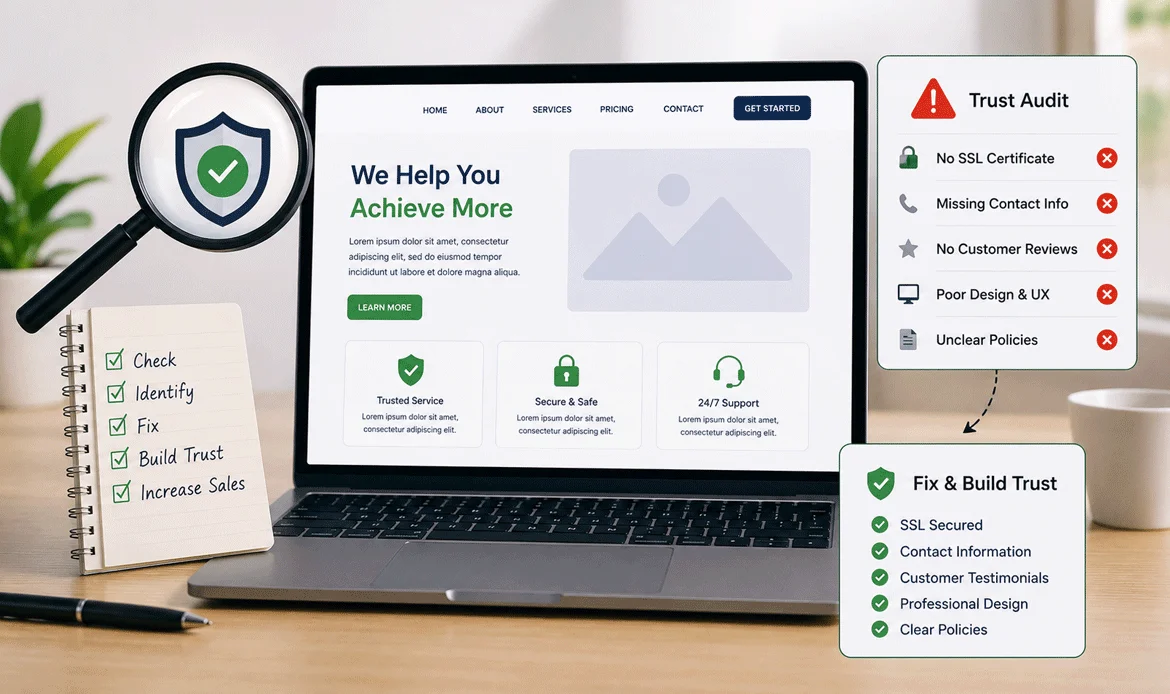
People rarely purchase from a website they do not trust.
A visitor may like your product but hesitate when they cannot find an address, contact information, refund policy, reviews, secure payment information, company details, or evidence that real customers use the service. These missing trust signals can contribute to website traffic but no sales, as visitors may leave without feeling confident enough to complete a purchase.
Trust becomes especially important for expensive products and unfamiliar brands.
Check whether your website includes:
- Customer reviews and testimonials
- Product ratings where appropriate
- Clear contact information
- About Us information
- Refund or return policies
- Shipping or delivery details
- Secure payment options
- Relevant certifications or guarantees
- Case studies and real results
- Clear business information
Avoid adding fake testimonials or exaggerated claims simply to increase conversions. Trust signals work best when they are specific, genuine, and verifiable.
For example, instead of saying “Our customers love us,” show a real customer result such as:
“Reduced page load time from 4.8 seconds to 2.1 seconds after optimization.”
Specific evidence is much more convincing than generic marketing language.
5. Check Your Website Speed and Mobile Experience
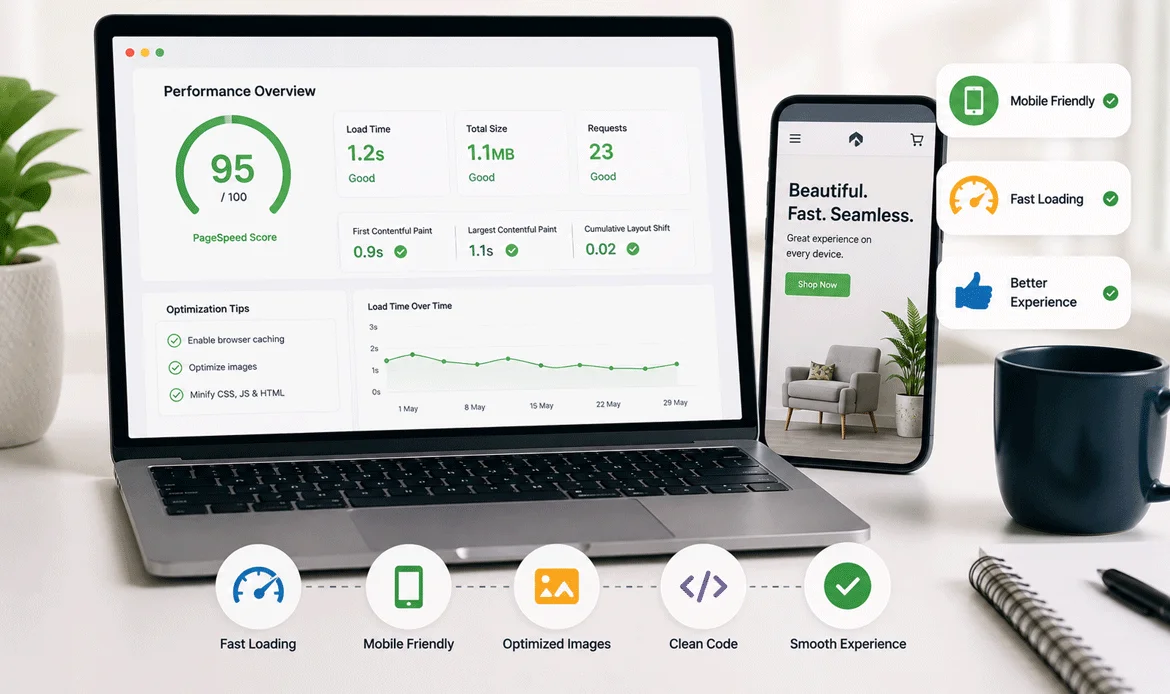
A slow website can quietly destroy conversions.
Someone might click your advertisement, visit your landing page, wait several seconds for it to load, and leave before seeing your offer. Mobile users can be even more sensitive to poor performance when pages are heavy or difficult to interact with.
Check important performance factors such as:
- Largest Contentful Paint
- Interaction to Next Paint
- Cumulative Layout Shift
- Image file sizes
- JavaScript execution
- Unused CSS and scripts
- Server response time
- Mobile usability
- Layout shifts during loading
Useful tools include Google PageSpeed Insights, Lighthouse, Chrome DevTools, and Google Search Console.
Do not focus only on achieving a perfect performance score. Look at the actual problems affecting real users and important conversion pages.
For example, if your checkout page contains a large unoptimized image, unnecessary scripts, and multiple third-party tracking tools, improving that page can be more valuable than optimizing a low-traffic blog post.
6. Simplify Your Checkout and Contact Forms
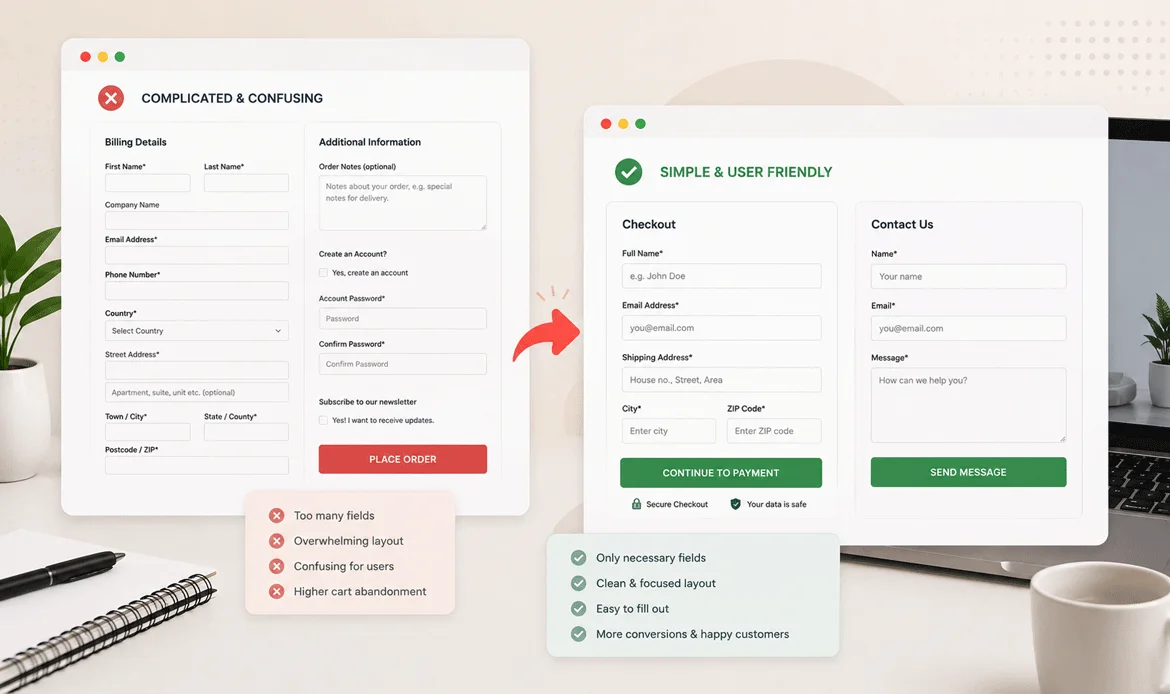
Sometimes the customer has already decided to buy—but the website makes completing the purchase unnecessarily difficult.
A complicated checkout can create conversion friction. Long forms, unexpected costs, forced account creation, confusing error messages, and limited payment options can cause users to abandon the process.
Review your checkout or enquiry form from a customer’s perspective.
Look for:
- Too many required fields
- Unexpected shipping or service charges
- Compulsory account registration
- Confusing navigation
- Limited payment methods
- Poor mobile form usability
- Unclear error messages
- Repeated information requests
- Missing order or enquiry confirmation
Try completing the process yourself on both desktop and mobile.
Real example: Imagine a customer wants to buy a ₹2,000 product. They add it to the cart, but checkout suddenly requires 15 fields, account registration, and another verification step. Even an interested customer may decide that the purchase is not worth the effort.
Make the final step as simple as possible.
7. Match Your Content to What Customers Expect
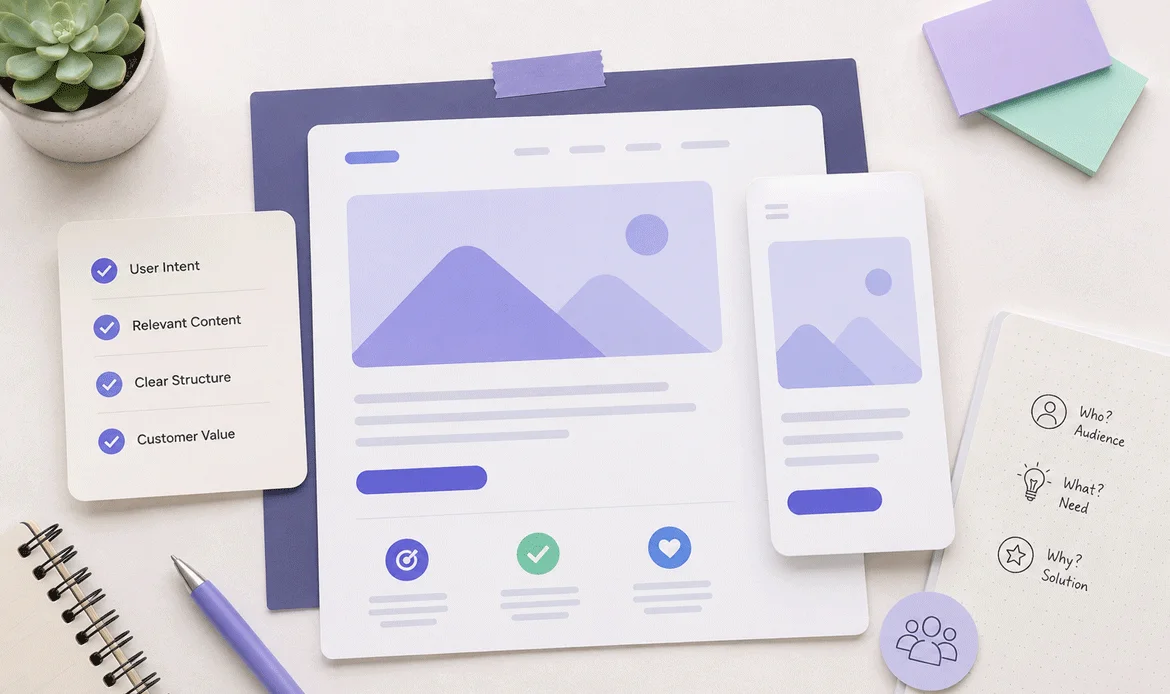
Visitors arrive with questions. If your website does not answer those questions clearly, they may leave and compare another business. This can lead to website traffic but no sales, especially when customers cannot find the information they need to feel confident about purchasing.
Before buying, customers often want to know:
- What exactly am I getting?
- How much does it cost?
- Is this suitable for my situation?
- What happens after I purchase?
- How long will delivery take?
- Can I get support?
- What happens if I change my mind?
- Can I see examples or results?
Your content should address these concerns before the user reaches the final decision.
Create useful supporting content such as:
- Product comparisons
- Feature explanations
- Pricing guides
- Case studies
- Demonstrations
- FAQs
- Tutorials
- Customer examples
- Buying guides
This is especially valuable for SEO because informational content can introduce users to your brand before they are ready to purchase.
The goal is not simply to rank pages. The goal is to move visitors from curiosity to confidence and then toward action.
8. Use Analytics and Testing to Find the Real Problem
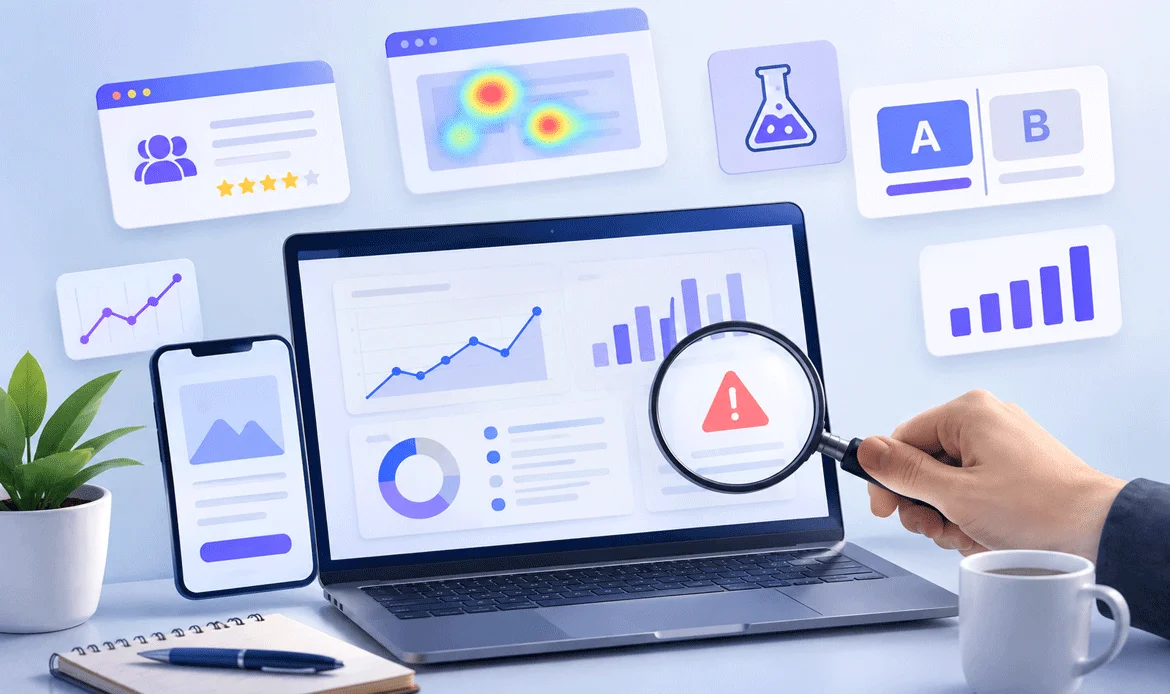
Guessing is one of the most expensive ways to optimize a website. If you are dealing with website traffic but no sales, use analytics and user behavior data to identify where visitors are dropping off instead of making changes based only on assumptions.
If your analytics show that thousands of users reach a product page but very few continue to checkout, investigate that specific stage instead of redesigning the entire website.
Useful tools include:
Google Analytics 4: Analyze traffic sources, landing pages, engagement, events, and conversions.
Google Search Console: Understand search queries, impressions, clicks, pages, and search performance.
Microsoft Clarity: Review session recordings and heatmaps to understand how users interact with pages.
Google PageSpeed Insights: Identify performance problems affecting important pages.
Chrome DevTools: Investigate technical issues, network requests, JavaScript problems, and performance bottlenecks.
Create a simple funnel:
Landing Page → Product/Service Page → CTA → Checkout/Form → Purchase/Enquiry
Then identify where users disappear.
For example:
- 10,000 visitors land on a page
- 3,000 view the offer
- 700 click the CTA
- 200 start checkout
- 35 complete payment
The biggest opportunity may not be traffic acquisition. It may be improving the transition between the offer, CTA, and checkout.
9. Test, Measure, and Improve One Problem at a Time
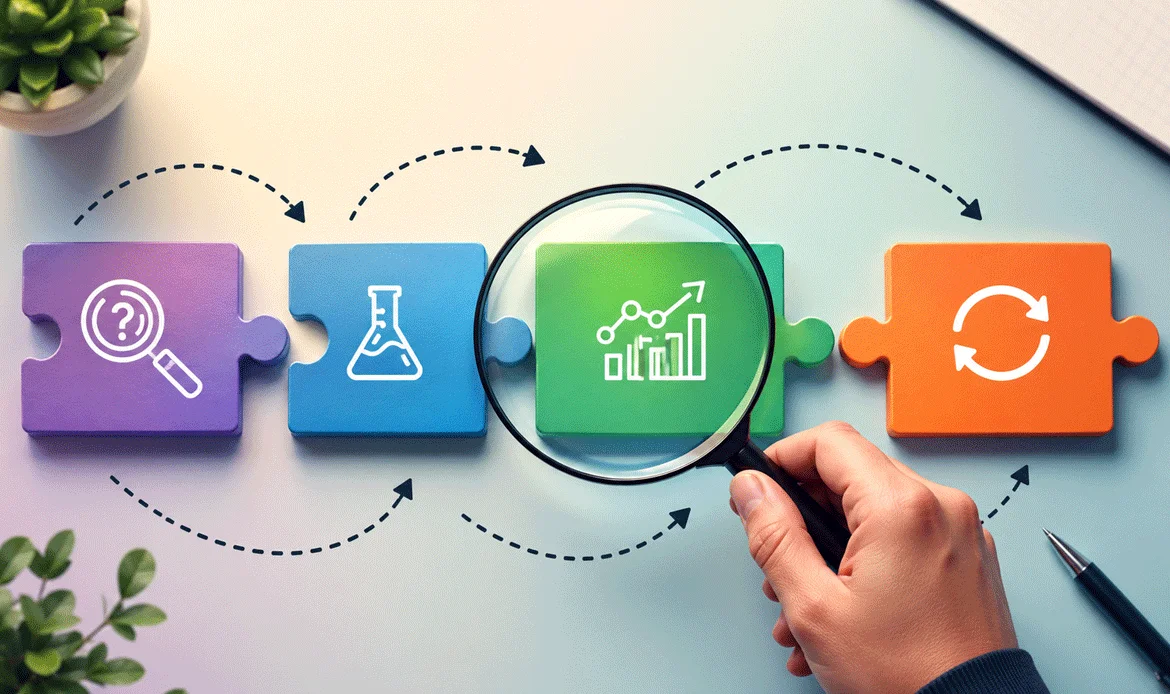
Once you identify the problem, avoid changing everything simultaneously.
If you change your headline, pricing, CTA, images, checkout, navigation, and page layout at the same time, you may improve results—but you will not know what actually caused the improvement.
Instead, create a focused testing process.
For example:
Problem: Visitors view the pricing page but rarely start the purchase.
Hypothesis: The pricing page does not clearly communicate what each package includes.
Change: Add clearer feature comparisons, customer outcomes, FAQs, and a stronger CTA.
Measurement: Compare CTA clicks and completed purchases before and after the change.
Track meaningful metrics such as:
- Conversion rate
- Add-to-cart rate
- Checkout completion rate
- Form completion rate
- Revenue per visitor
- Average order value
- Returning visitor conversions
- Conversion by traffic source
Your website conversion rate should be evaluated alongside business outcomes. A higher conversion percentage is not automatically better if the additional conversions are low-value leads or poor-fit customers.
10. Turn Existing Traffic Into More Customers
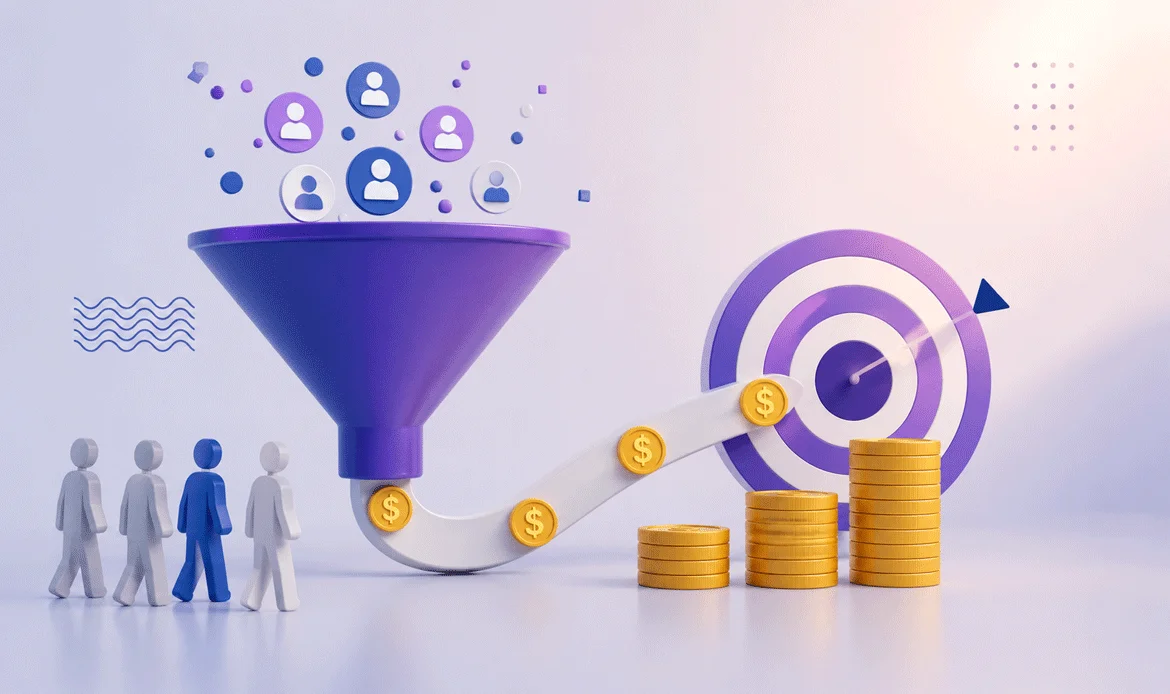
After fixing the major problems, create a continuous optimization process instead of treating conversion improvement as a one-time project.
A strong website should evolve based on customer behavior, search intent, analytics data, feedback, and testing.
Start with the highest-impact improvements:
- Identify your highest-traffic landing pages.
- Find pages with strong traffic but weak conversions.
- Review search intent and visitor quality.
- Improve the headline and value proposition.
- Strengthen relevant CTAs.
- Add genuine trust signals.
- Improve mobile usability and performance.
- Simplify checkout and forms.
- Answer customer objections with useful content.
- Test changes and measure the results.
If your site is already receiving substantial traffic, these improvements can be more efficient than simply trying to double your visitor count.
The objective is not to make every visitor buy. It is to make the website clearer, faster, more trustworthy, and easier to act on for the right visitors.
5 FAQs About Website Traffic and Sales
1. Why does my website get visitors but no customers?
Common reasons include irrelevant traffic, weak messaging, unclear CTAs, poor user experience, low trust, slow performance, complicated checkout processes, and a mismatch between visitor expectations and your offer.
2. What is a good website conversion rate?
There is no universal number that works for every business. Conversion rates vary significantly by industry, traffic source, offer, device, price, and customer intent. Compare your performance with your own historical data and segment results by traffic source.
3. How can I increase conversions without getting more traffic?
Start by improving the pages that already receive visitors. Test stronger headlines, clearer benefits, better CTAs, trust signals, faster page performance, simpler forms, better product information, and smoother checkout experiences.
4. Which tools can help me find conversion problems?
Google Analytics 4, Google Search Console, Microsoft Clarity, Google PageSpeed Insights, and Chrome DevTools can provide useful information about traffic behavior, search performance, user interaction, and technical performance.
5. Should I focus on SEO or conversion optimization first?
If your website already receives relevant traffic but produces very few enquiries or purchases, investigate conversion problems before aggressively pursuing more traffic. A stronger conversion process can help you get more value from the visitors you already have.
Conclusion: Fix the Website Before Buying More Traffic
Getting visitors is only the beginning. If those visitors cannot quickly understand your offer, trust your business, navigate your website, or complete the desired action, website traffic but no sales can continue to be a problem even when your visitor numbers are growing. Increasing traffic alone may not solve the underlying conversion issues.
The most effective approach is to examine the complete customer journey from the search query that brings someone to your website to the final purchase or enquiry.
Focus on traffic quality, messaging, user experience, trust, speed, CTAs, checkout friction, and customer expectations. Then use analytics and testing to determine which changes actually improve results.
If you are looking for professionally designed WordPress themes that can give your website a stronger foundation for usability, responsive design, and conversion-focused presentation, explore ZozoThemes.
Ready to Turn More Visitors Into Customers?
Choose a professional, responsive WordPress theme designed to give your website a stronger foundation for performance, usability, and conversions.