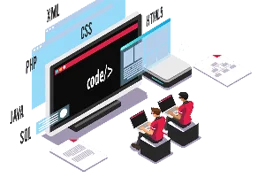

In the ever-evolving world of web design, mastering Advanced Elementor Features is essential for anyone looking to create visually stunning, high-performing websites without writing a single line of code. Elementor has revolutionized the WordPress design experience with its intuitive drag-and-drop interface, empowering designers, developers, and business owners alike to bring their creative visions to life effortlessly. These advanced tools go beyond basic customization — offering dynamic content options, theme-building capabilities, motion effects, and responsive design controls that ensure every element on your website looks perfect on any device.
1. Unlock the Full Potential of Elementor’s Theme Builder
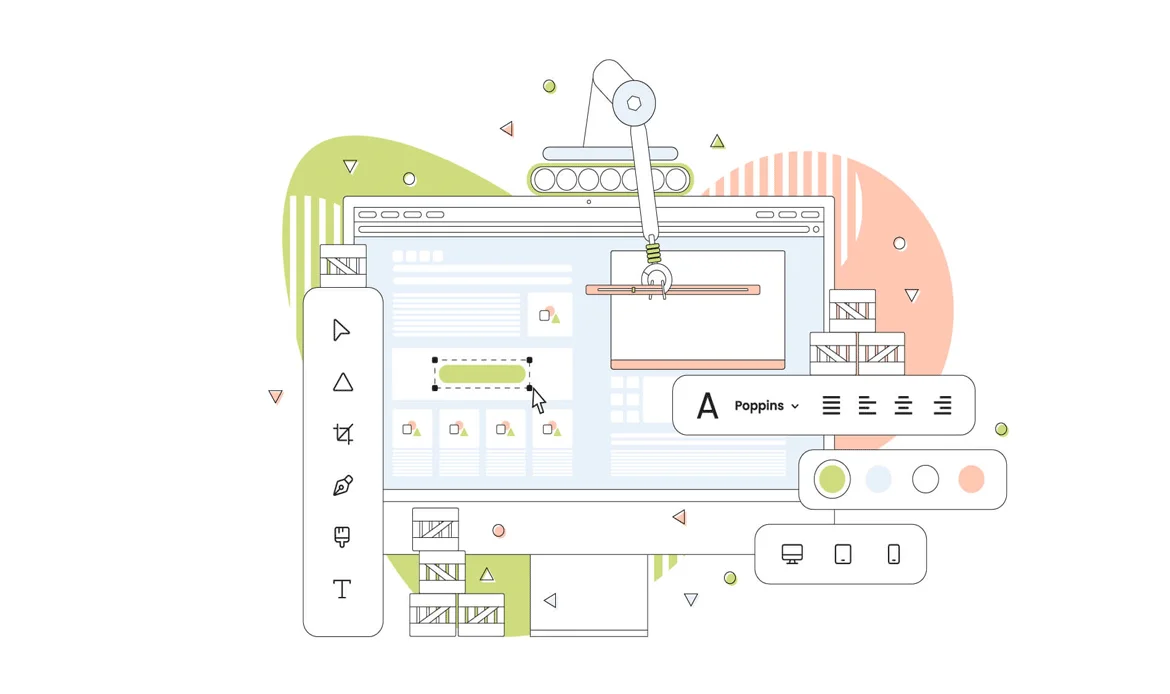
The Theme Builder revolutionizes how you control your site’s structure. It allows you to create consistent global layouts for headers, footers, and single posts without relying on code. This tool simplifies workflow management, enhances brand consistency, and ensures your website looks polished across every page — making it one of the most impactful Advanced Elementor Features for both beginners and professionals.
2. Personalize Experiences with Dynamic Content
Dynamic content helps turn ordinary websites into interactive experiences. Instead of static pages, Elementor enables you to pull live data such as post titles, images, and author details directly from your database. This feature is ideal for blogs, listings, and portfolios where personalization improves engagement — one of the most useful aspects of Advanced Elementor Features.
3. Optimize for Speed and SEO Efficiency
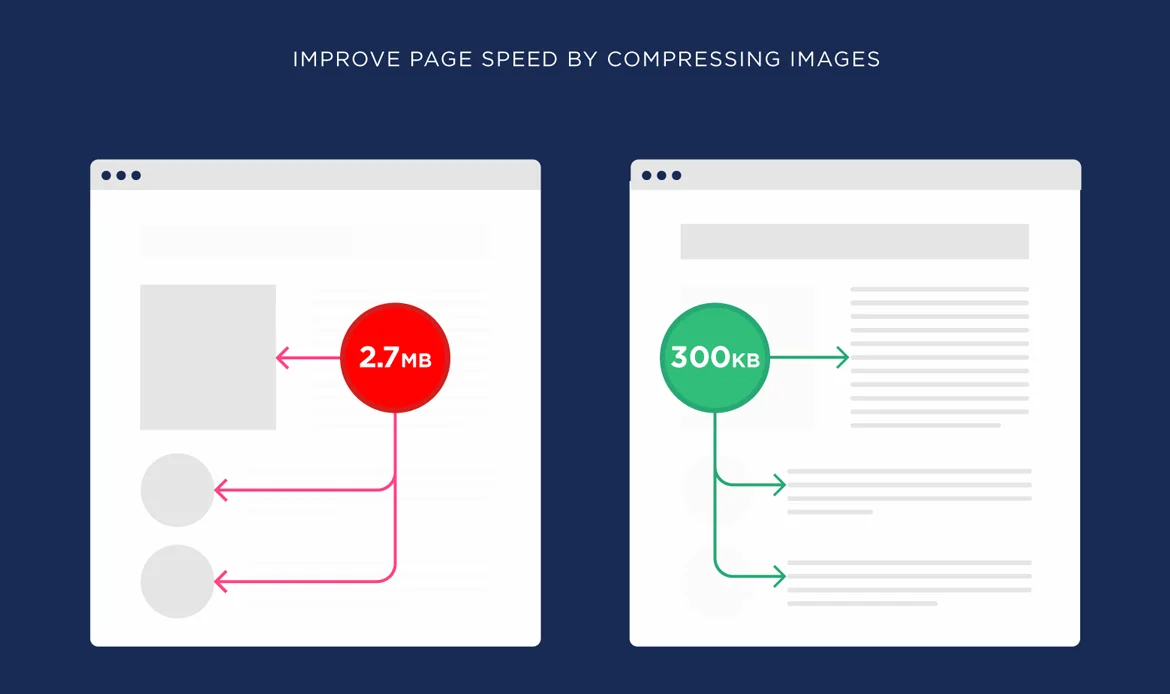
Performance and SEO are inseparable in modern web design. Elementor’s optimized asset loading, lazy-load images, and built-in caching options ensure your site runs smoothly. When combined with smart layout structure, these improvements enhance user experience and boost rankings. Using Advanced Elementor Features the right way keeps your site light, fast, and search-friendly.
4. Add Motion and Depth with Animations
Today’s audiences expect dynamic, interactive designs. Elementor’s motion effects let you apply scroll-based animations, fades, and parallax elements effortlessly. These effects guide attention toward important content while maintaining a balanced visual flow. Proper use of Advanced Elementor Features adds character and engagement to your site without overwhelming visitors.
5. Design for Every Screen Responsively
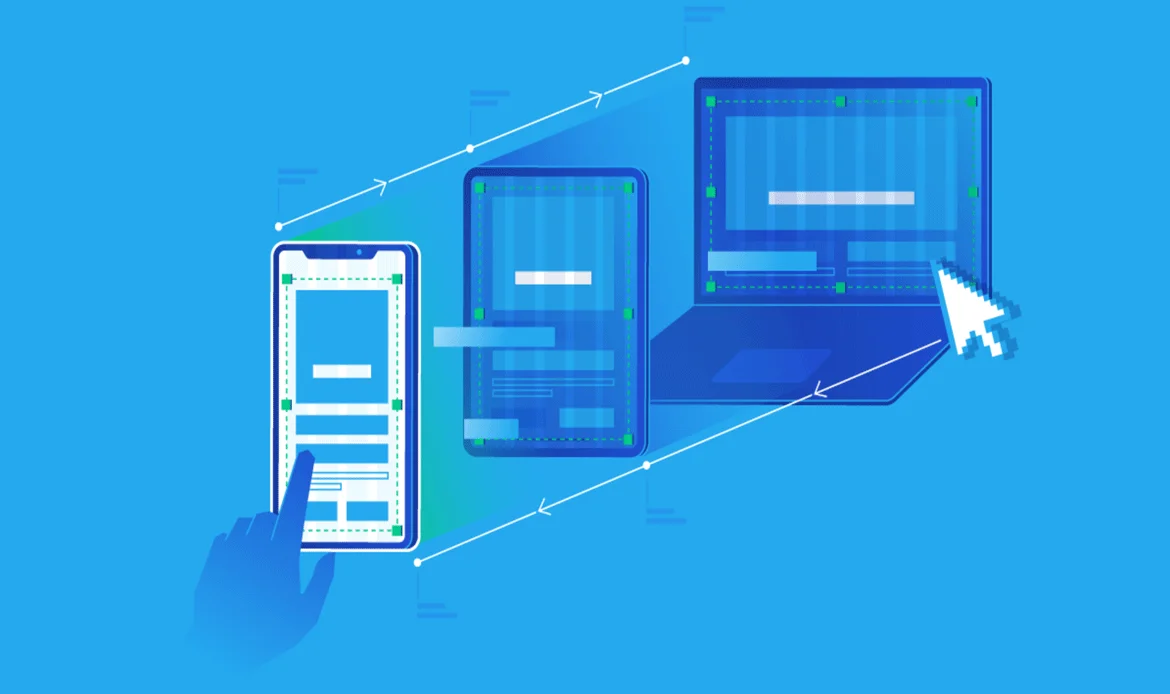
Responsive design is a must in a mobile-first world. Elementor’s adjustable breakpoints and device preview options let you fine-tune layouts for desktops, tablets, and mobiles. This helps maintain brand consistency and visual perfection across all devices — one of the reasons professionals rely on Advanced Elementor Features for responsive creativity.
6. Boost Conversions with Custom Popups
The Popup Builder allows you to design targeted popups for promotions, newsletter sign-ups, or announcements. With custom triggers and exit-intent rules, you can engage visitors at the right moment without interrupting their experience. These smart marketing options show how Advanced Elementor Features extend beyond design into conversion strategy.
7. Simplify Workflow with Global Widgets
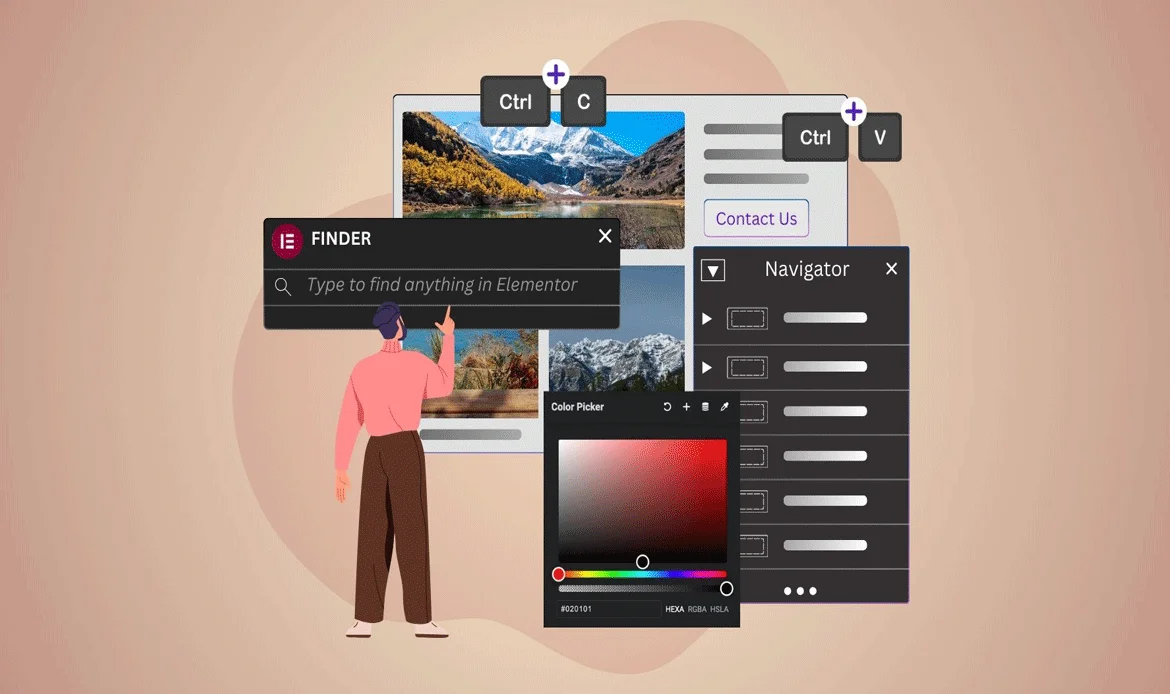
Global widgets are a major time-saver. Once you create a design element like a call-to-action button or testimonial block, you can reuse it across multiple pages. Any change made to the global widget updates instantly throughout the site — another example of how Advanced Elementor Features simplify professional website management.
8. Connect with Your Favorite Tools Easily
Elementor integrates smoothly with plugins like WooCommerce, Mailchimp, and Rank Math SEO. These integrations make your site more functional without extra coding. The open ecosystem is one of the strengths of Advanced Elementor Features, allowing creators to build fully connected digital experiences that meet business goals.
9. Enhance Creativity with Elementor AI
Elementor’s AI assistant is changing how designers work. It helps generate headings, image suggestions, and layout ideas, saving time while inspiring creativity. When paired with Advanced Elementor Features, AI allows for smarter and faster site-building workflows that align with the demands of modern businesses.
10. Grow Faster with Ready-to-Use Templates
Pre-designed templates offer a perfect starting point for freelancers and agencies. They speed up the design process and allow for quick customization. When you apply Advanced Elementor Features to tweak these templates — adjusting typography, color schemes, or layout sections — you can deliver professional websites efficiently while maintaining originality.
✔ Why Elementor Leads in 2025

Elementor remains the top choice because of its constant innovation, smooth UI, and extensive design freedom. The platform empowers creators of all skill levels to deliver premium websites faster using intuitive Advanced Elementor Features.
✔ Expanding Your Creative Vision
Elementor’s advanced styling options, gradient controls, and flexible grid systems allow designers to experiment safely. These tools bring ideas to life visually and practically — without the need for custom coding.
✔ Building Brand Consistency with Ease

Consistency strengthens brand identity. Elementor lets you define universal typography, color palettes, and buttons through its Site Settings, making your brand design cohesive throughout your entire website.
✔ Reducing Plugin Dependence
Too many plugins can slow down your site. Elementor’s built-in tools — such as form builders and sliders — reduce the need for extra installations, helping maintain optimal performance while using fewer resources.
✔ Preparing for Future Design Trends

With Elementor’s frequent updates, you’re always ready for design evolution. Learning Advanced Elementor Features today ensures your site stays future-ready and adaptable to new technologies.
✔ Pro Tips for Better Results
Use clean templates, optimize image sizes, and test animations across devices. Keep experimenting with layout and content placement to balance aesthetics with usability.
Frequently Asked Questions
Do I need coding skills to use Advanced Elementor Features?
No coding skills are needed! Elementor’s visual builder and intuitive controls allow you to implement advanced designs effortlessly. You can customize layouts, create animations, and adjust settings using simple drag-and-drop tools.
Are Advanced Elementor Features suitable for eCommerce?
Yes. Elementor integrates seamlessly with WooCommerce, allowing you to design custom product pages, shopping carts, and checkout flows. These features are ideal for building conversion-driven online stores that look professional and perform well.
Will these features affect my website’s loading time?
When optimized correctly, Elementor maintains excellent performance. Using the right image formats, caching, and built-in optimizers ensures that Advanced Elementor Features enhance user experience without slowing down your site.
Conclusion: Elevate Your Web Design with Elementor
With its advanced widgets, motion effects, theme builder, and dynamic content tools, Elementor gives you full control over every detail of your site — from layouts and typography to animations and responsiveness. These powerful capabilities make it possible to design custom pages that reflect your brand identity while maintaining optimal performance and user experience. Whether you’re developing a business website, an eCommerce store, or a personal portfolio, understanding and utilizing Elementor’s advanced design tools will help you stand out in today’s competitive digital landscape. By integrating these features effectively, you can streamline your workflow, improve productivity, and create engaging, visually stunning websites that leave a lasting impression on your audience.
Start Building Smarter with Advanced Elementor Features
Transform your design workflow with Advanced Elementor Features today. Build responsive, SEO-friendly, and stunning WordPress websites effortlessly. Explore our premium Elementor WordPress Themes to create professional, high-performance sites that truly impress your audience.