
“The latest WordPress version finally delivers a smarter and more modern website experience.”
That is the first reaction many developers, bloggers, agencies, and WooCommerce store owners shared after testing WordPress 7.0. This update is not just about adding a few new features it changes how websites are created, edited, optimized, and managed in 2026.The new release introduces AI-ready workflows, cleaner editing experiences, modern dashboard improvements, stronger security systems, and major speed enhancements. For many website owners, this is becoming the latest WordPress version that actually solves long-standing problems instead of simply redesigning the interface.
According to WordPress 7.0 beta and developer previews, the platform focuses heavily on performance, collaboration, smarter editing, and future-ready website building.
1. Why WordPress 7 Feels Like a Completely New Platform
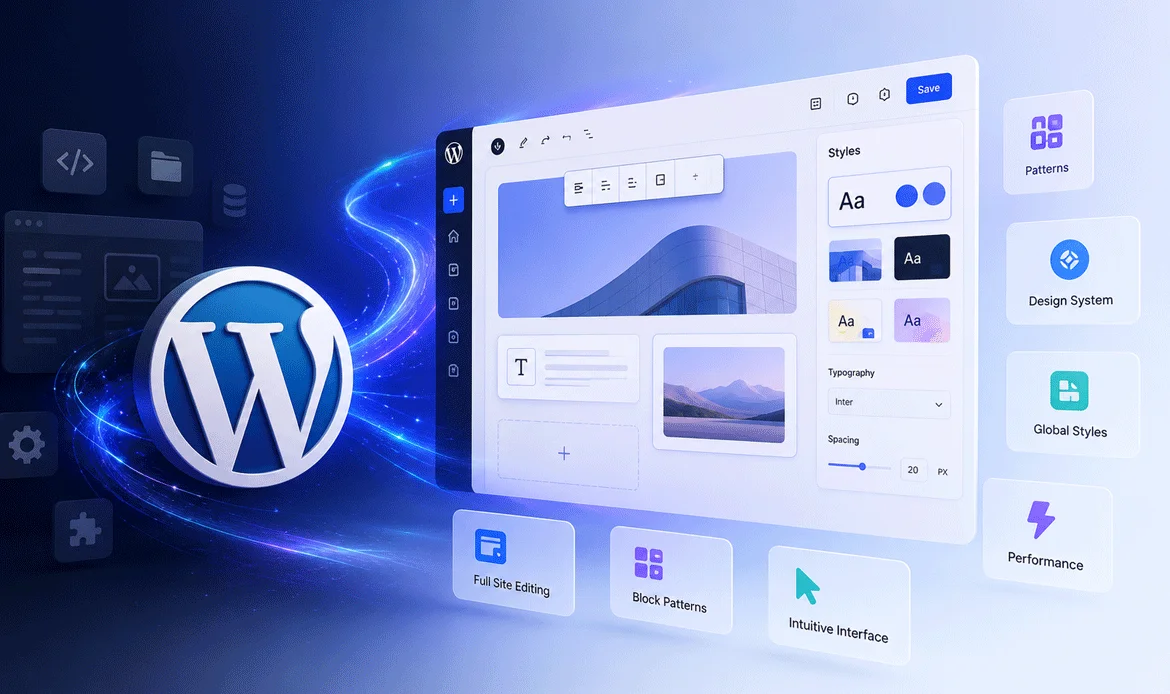
Earlier WordPress updates mainly focused on maintenance improvements and small feature additions. WordPress 7 feels different because it improves the overall workflow experience from dashboard management to frontend editing.
The backend now feels lighter and smoother. Editing pages is faster, layouts behave more consistently, and website owners spend less time fixing spacing issues or managing plugin conflicts.
The biggest difference in the latest WordPress version is how naturally everything works together.
What Users Immediately Notice
- Faster admin loading
- Cleaner editing experience
- Better mobile responsiveness
- More modern dashboard styling
- Reduced dependency on page builders
- Improved block handling
Several preview reports also mention that WordPress 7 focuses on reducing editor lag and improving workflow efficiency for creators and developers.
2. The New AI Features Everyone Is Talking About
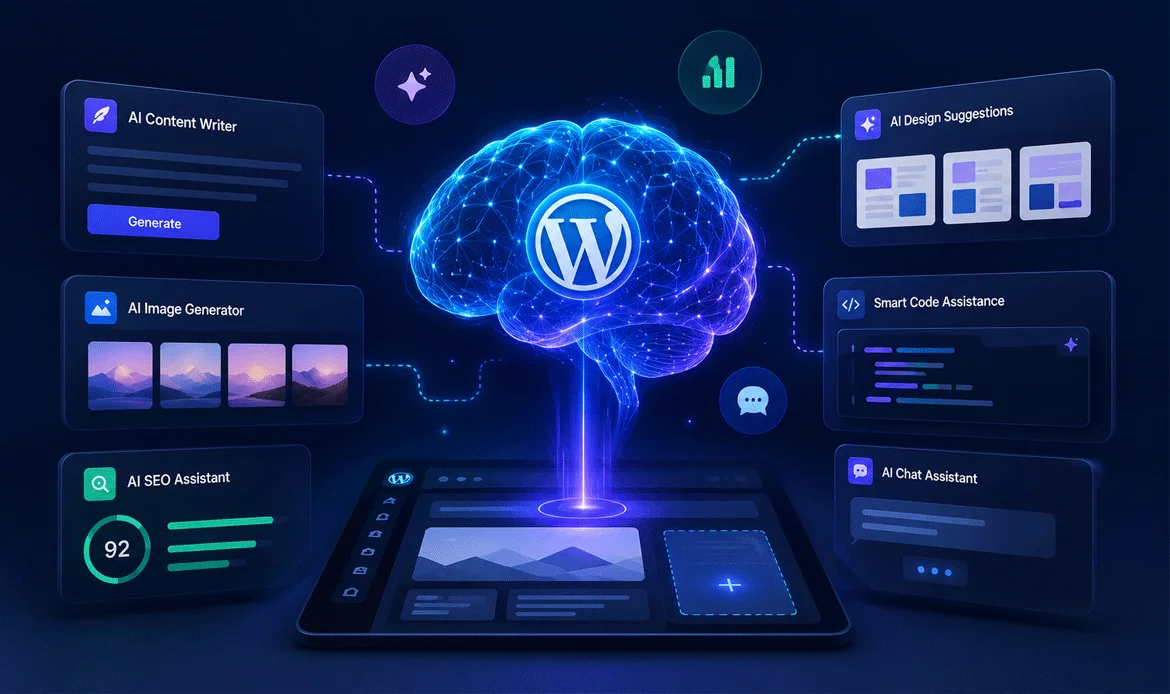
AI integration is one of the biggest reasons WordPress 7 is generating massive attention across the web development community.
Instead of depending completely on external AI systems, WordPress 7 now supports better AI-ready plugin integration and centralized automation workflows. This allows AI tools to work more smoothly inside the editor and dashboard environment.
What AI Can Help With
- Generate blog outlines
- Create landing page sections
- Improve SEO readability
- Suggest headings automatically
- Optimize images
- Generate layouts faster
- Improve accessibility suggestions
Some developers describe the new AI connector system as one of the most important changes introduced in years.
Why This Matters for Website Owners
Instead of installing multiple disconnected AI plugins, WordPress 7 introduces a more unified structure for AI-powered workflows. Many website owners previously needed multiple plugins to achieve AI-based automation. WordPress 7 now provides a more connected structure for these tools.
This improves:
- Workflow speed
- Plugin compatibility
- Content generation
- Design consistency
- Automation efficiency
The AI-focused improvements also help improve WordPress website performance because fewer heavy external tools are required.
3. Gutenberg Finally Feels Powerful
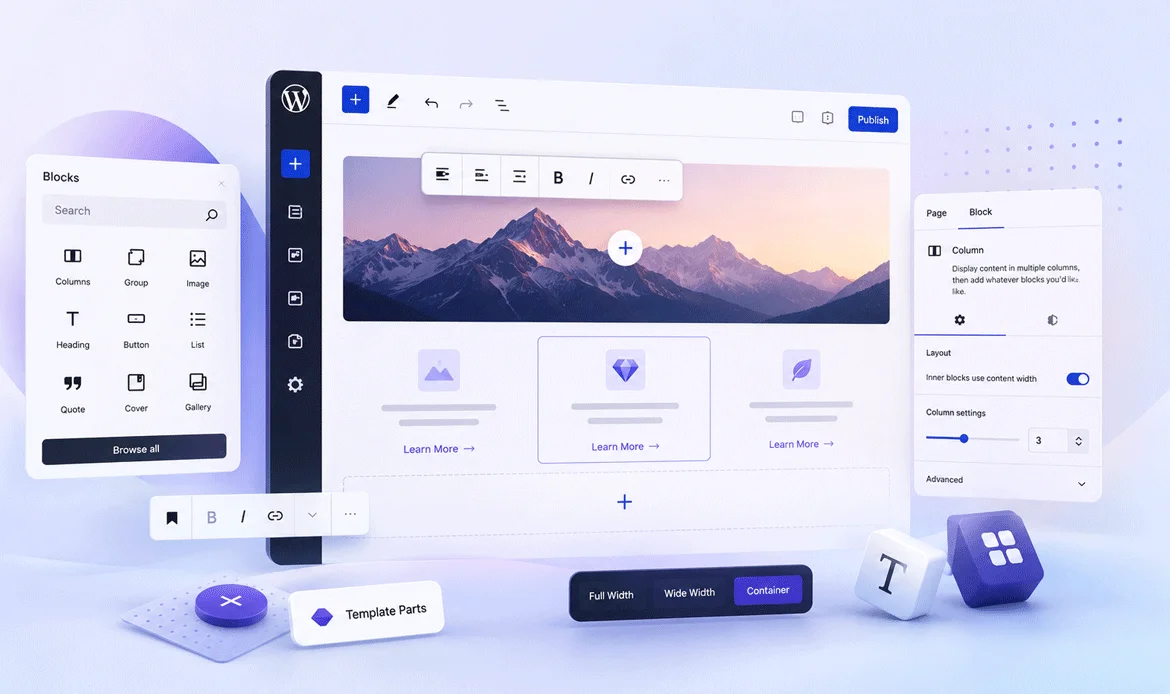
The Gutenberg editor in earlier WordPress versions often felt incomplete for advanced website building. WordPress 7 changes that experience significantly.
Editing now feels smoother, blocks load faster, and responsive controls behave more naturally across different screen sizes. The editor finally feels stable enough for professional-level workflows.
Major Gutenberg Improvements
- Better responsive editing
- Improved spacing controls
- Smarter reusable patterns
- Responsive grid layouts
- Improved navigation block
- Better typography handling
- Enhanced media management
WordPress official beta notes also confirmed improvements in responsive editing tools and mobile-friendly controls.
4. Why Designers Will Like WordPress 7
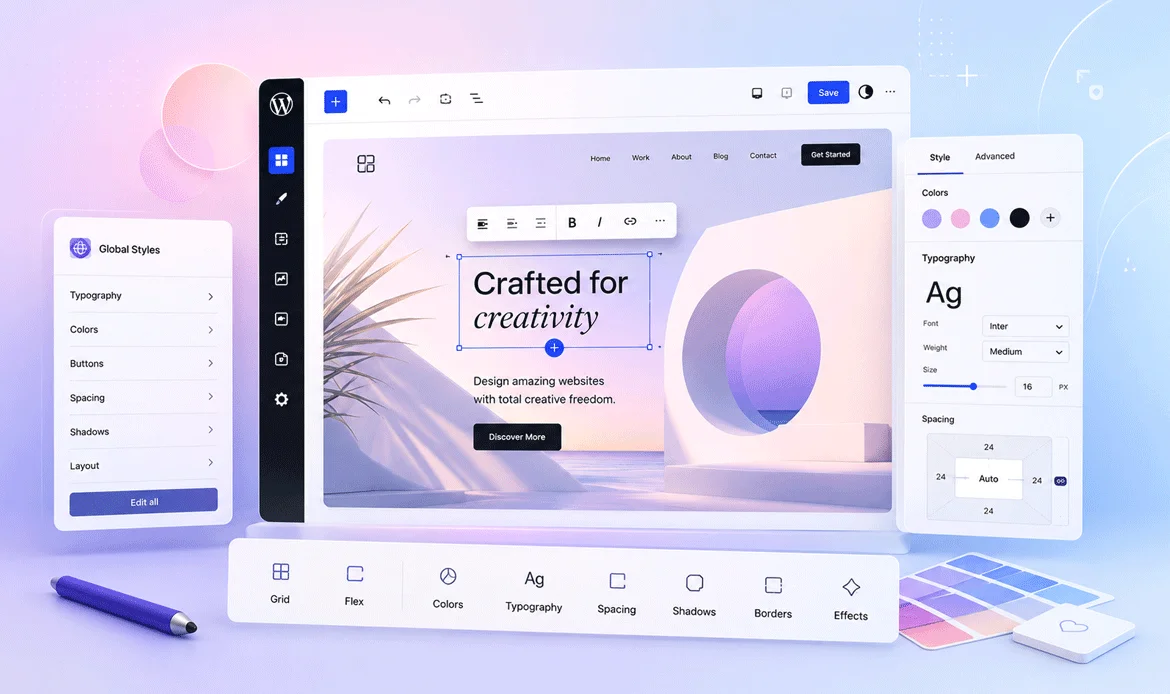
WordPress 7 brings a much cleaner and more flexible editing experience that many designers have been waiting for. Earlier versions often required heavy page builders to create professional layouts, but the new update improves Gutenberg enough to handle modern design workflows more naturally. Responsive controls now behave more smoothly, spacing management feels more accurate, and typography customization is easier to control across different screen sizes.
Now WordPress 7 allows:
- Better visual editing
- Cleaner layouts
- Faster section building
- More stable responsive design
This makes the latest WordPress version much more attractive for modern website design workflows.
5. Real Performance Improvements That Users Can Feel
Website speed directly affects rankings, conversions, SEO, and user experience. WordPress 7 introduces several backend optimizations specifically designed to improve WordPress website performance across both frontend and backend operations.
Unlike older updates that focused mostly on visual improvements, WordPress 7 focuses heavily on real-world performance improvements users can immediately notice.
Speed Improvements Included
- Faster dashboard rendering
- Reduced script loading
- Better database optimization
- Improved caching compatibility
- Faster editor processing
- Better image lazy loading
According to multiple WordPress 7 previews, editor responsiveness and admin speed improvements are among the biggest changes users notice immediately.
Why This Is Important for SEO
Google prioritizes:
- Faster websites
- Better mobile experience
- Lower layout shifting
- Better Core Web Vitals
The latest WordPress version helps website owners improve these areas more easily.
6. WordPress 6.9 vs WordPress 7.0
WordPress 7 introduces one of the biggest workflow upgrades in recent years. Compared to WordPress 6.9, the new version focuses heavily on faster editing, smarter AI-ready systems, improved security, modern responsive controls, and cleaner development experiences. The platform now feels more stable, scalable, and optimized for future-ready website creation.
| Feature | WordPress 6.9 | WordPress 7.0 |
|---|---|---|
| Dashboard Speed | Moderate dashboard performance with occasional editor lag and slower backend response on larger websites. | Much faster admin dashboard with smoother backend navigation, reduced delays, and improved workflow responsiveness. |
| AI Integration | Limited AI compatibility requiring multiple third-party plugins and disconnected automation systems. | Advanced AI-ready architecture with improved automation workflows and better plugin compatibility support. |
| Gutenberg Experience | Improved editor experience compared to older versions but still dependent on external page builders. | More professional editing workflow with faster block handling, cleaner layouts, and smoother customization. |
| Responsive Controls | Basic responsive editing features with limited mobile layout customization options. | Advanced responsive editing tools designed for modern layouts, mobile optimization, and smoother device adaptation. |
| Developer APIs | Standard APIs suitable for regular plugin and theme development workflows. | Expanded APIs with better flexibility for scalable applications and modern development environments. |
| Security Improvements | Traditional security systems with standard authentication and permission handling. | Stronger validation systems, safer API communication, improved authentication handling, and cleaner admin protection. |
| Workflow Experience | Plugin-heavy workflow for advanced layouts, responsive editing, and design customization. | More native functionality with reduced dependency on third-party builders and smoother content management. |
| Editing Stability | Good editing experience but occasional layout inconsistencies and slower real-time updates. | Much smoother and more stable editing experience with improved real-time responsiveness and layout consistency. |
Overall, WordPress 7.0 focuses heavily on AI-ready workflows, modern website creation, cleaner editing systems, better security handling, improved performance optimization, and long-term scalability for future-ready websites.
7. Security Improvements and Hack Protection

Security remains one of the biggest concerns for WordPress users, and WordPress 7 introduces several improvements focused on reducing vulnerabilities and improving website protection. The platform now provides safer authentication handling, improved API communication, and stronger validation systems.
Important Security Improvements
- Better permission handling
- Improved REST API protection
- Stronger password systems
- Safer plugin compatibility handling
- Improved admin controls
WordPress developers also highlighted accessibility and admin improvements alongside core security refinements.
Best Security Practices for WordPress 7
Even with better core protection, website owners should still follow best practices.
Even with better protection, users should still:
- Enable two-factor authentication
- Use firewall plugins
- Update themes regularly
- Remove inactive plugins
- Use secure hosting
- Backup websites daily
Proper optimization also improves WordPress website performance by reducing malicious traffic and unnecessary server load.
8. New Developer Features That Actually Matter
Developers receive some of the most important improvements in WordPress 7. One of the biggest changes is better support for PHP-based block registration, making custom development workflows simpler and faster.
This reduces dependency on complicated React setups for smaller projects.
Technologies Used in WordPress 7
- PHP
- JavaScript
- React
- HTML5
- CSS3
- REST API
- MySQL
Many developers in the WordPress community called PHP-only blocks one of the best Gutenberg-related improvements in years.
Example Lazy Loading Optimization
WordPress 7 introduces better native lazy loading support to improve website speed and reduce unnecessary server load. This optimization helps images load only when users scroll near them, creating faster browsing experiences and better Core Web Vitals performance.
# BEGIN WordPress

add_filter('wp_lazy_loading_enabled', '__return_true');

# END WordPress
This simple optimization improves page loading speed, mobile responsiveness, SEO performance, and overall user experience for modern WordPress websites.
Example Security Header
Security remains one of the most important parts of website management. WordPress 7 improves authentication handling, admin protection, and safer API communication. Adding security headers provides an additional layer of protection against common browser-based attacks.
# BEGIN WordPress

header("X-Frame-Options: SAMEORIGIN");

# END WordPress
This security improvement helps protect WordPress websites against clickjacking attacks by preventing unauthorized iframe embedding from external sources.
Who Should Upgrade to WordPress 7?
The latest WordPress version is especially useful for:
- Bloggers
- Agencies
- WooCommerce stores
- Business websites
- Portfolio creators
- LMS platforms
- Membership websites
If your current workflow feels slow, plugin-heavy, or outdated, WordPress 7 offers meaningful improvements.
9. First Impressions After Testing WordPress 7
After reviewing WordPress 7 previews, beta releases, developer discussions, and early testing feedback, one thing becomes very clear:
WordPress is entering a completely new phase.
The platform now feels:
- Faster
- Cleaner
- Smarter
- More scalable
- More future-ready
The improvements in editing, AI compatibility, security, and WordPress website performance are noticeable almost immediately after upgrading.
Even developers who previously criticized Gutenberg are now responding more positively to the cleaner workflow and improved editing stability. The update finally creates a stronger balance between flexibility, speed, and modern website building.
FAQs
✔ Is WordPress 7 good for beginners?
Yes. The cleaner dashboard and improved editor make website creation easier than previous versions.
✔ Does WordPress 7 include AI tools?
Yes. WordPress 7 introduces AI connector systems and improved compatibility with AI-powered plugins.
✔ Is WordPress 7 faster?
Yes. Multiple previews mention improved dashboard speed, editor responsiveness, and caching support.
✔ Should developers upgrade immediately?
Testing on staging websites is recommended first, especially for custom plugins and themes.
✔ Is WordPress 7 worth upgrading to?
For most modern websites, yes. The combination of AI readiness, better editing, stronger security, and performance improvements makes it one of the most important updates in years.
Final Thoughts
WordPress 7 is not just another routine release.
It is one of the biggest shifts the platform has seen since Gutenberg first launched. The combination of AI integration, better editing experiences, stronger security systems, improved workflows, and faster performance makes this update highly important for modern website creation.
For bloggers, businesses, agencies, and developers, the latest WordPress version provides a stronger foundation for building faster, smarter, and more scalable websites in 2026.
Ready to Experience the Power of WordPress 7?
Explore responsive and SEO-friendly WordPress themes crafted to fully support the latest WordPress features, performance improvements, and modern editing workflows.