
In this comprehensive guide, we break down the most common PHP errors and solutions that developers face while building websites and applications. Whether you are a beginner exploring PHP or an experienced developer refining your workflow, this guide helps you identify issues quickly and fix them with confidence.
PHP is a powerful and widely used scripting language that enables dynamic and interactive web development. However, as projects grow in complexity, PHP errors can appear unexpectedly and disrupt performance, functionality, or security and sometimes show messages like a php error was encountered.
As a result, understanding how to diagnose and resolve PHP errors is essential. In the sections below, we explain the most frequent PHP errors, why they occur, and how to fix them using clear examples and practical solutions.
Essential Guide to Troubleshooting PHP Errors Effectively
1. Syntax Errors
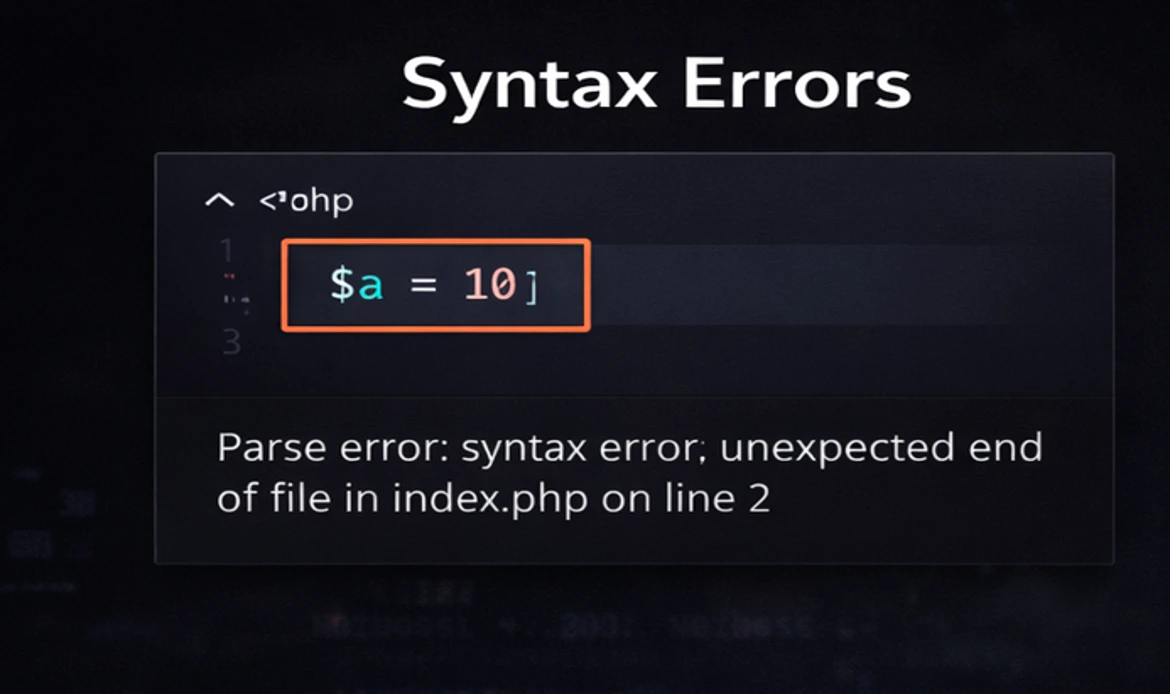
Error:
Syntax errors occur due to incorrect PHP code syntax.Solution:
Carefully review your code for syntax mistakes, such as missing semicolons, parentheses, or quotation marks. PHP error messages often include the line number where the error occurred, making it easier to locate the issue.Example:
// Syntax error: missing semicolon
echo "Hello, World"
2. Undefined Variables

Error:
Using a variable that hasn’t been defined.Solution:
Define the variable before using it or check if it’s set using isset().Example:
// Undefined variable error
echo $undefinedVar;

// Solution
$definedVar = "Hello";
echo isset($definedVar) ? $definedVar : "Variable is not set";
3. Undefined Index in Arrays

Error:
Accessing an array element that doesn’t exist.Solution:
Additionally, check if the index exists using isset() or empty() to prevent undefined index errors.Example:
$myArray = ["apple" => "red", "banana" => "yellow"];

// Undefined index error
echo $myArray["grape"];

// Solution
echo isset($myArray["grape"]) ? $myArray["grape"] : "Index does not exist"
4. Type Errors
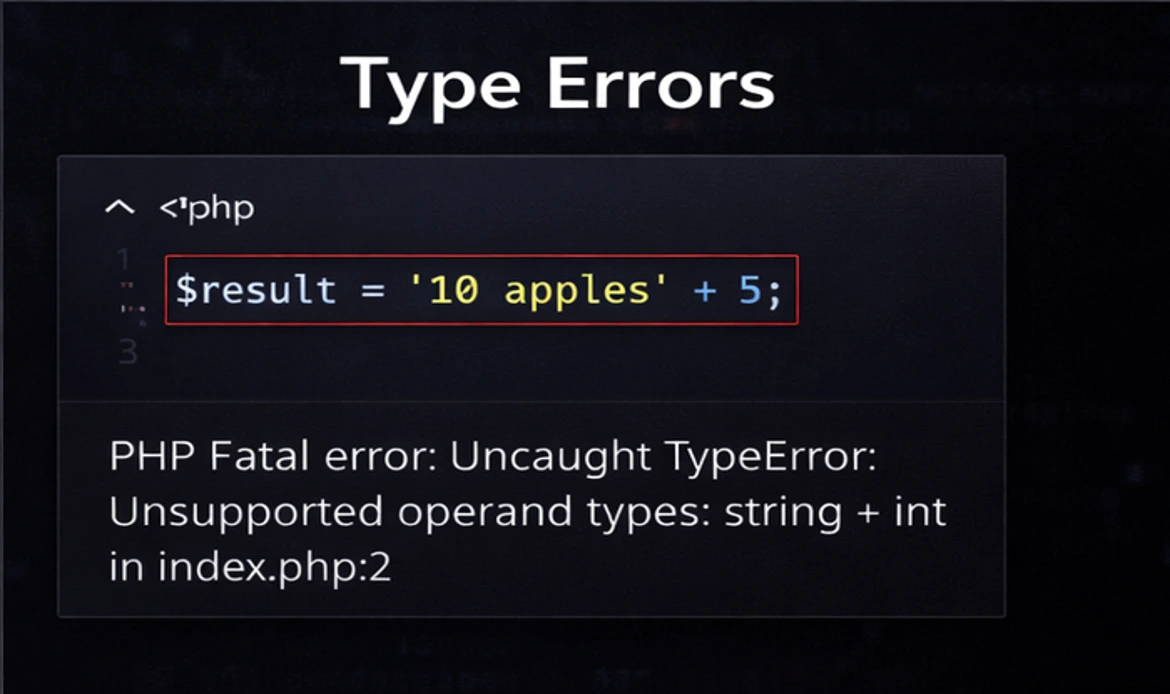
Error:
Attempting to perform operations on incompatible data types.Solution:
Ensure data types are compatible or explicitly convert them using casting.Example:
// Type error: Concatenating a string with an integer $num = 42; $str = "The answer is " . $num;Solution:
$num = 42; $str = "The answer is " . strval($num);
5. Division by Zero

Error:
Attempting to divide a number by zero.Solution:
Check for zero before performing the division.Example:
$denominator = 0;
$result = 10 / $denominator; // Division by zero error

$denominator = 0;
if ($denominator !== 0) {
    $result = 10 / $denominator;
} else {
    echo "Division by zero is not allowed.";
}
6. Function Not Found
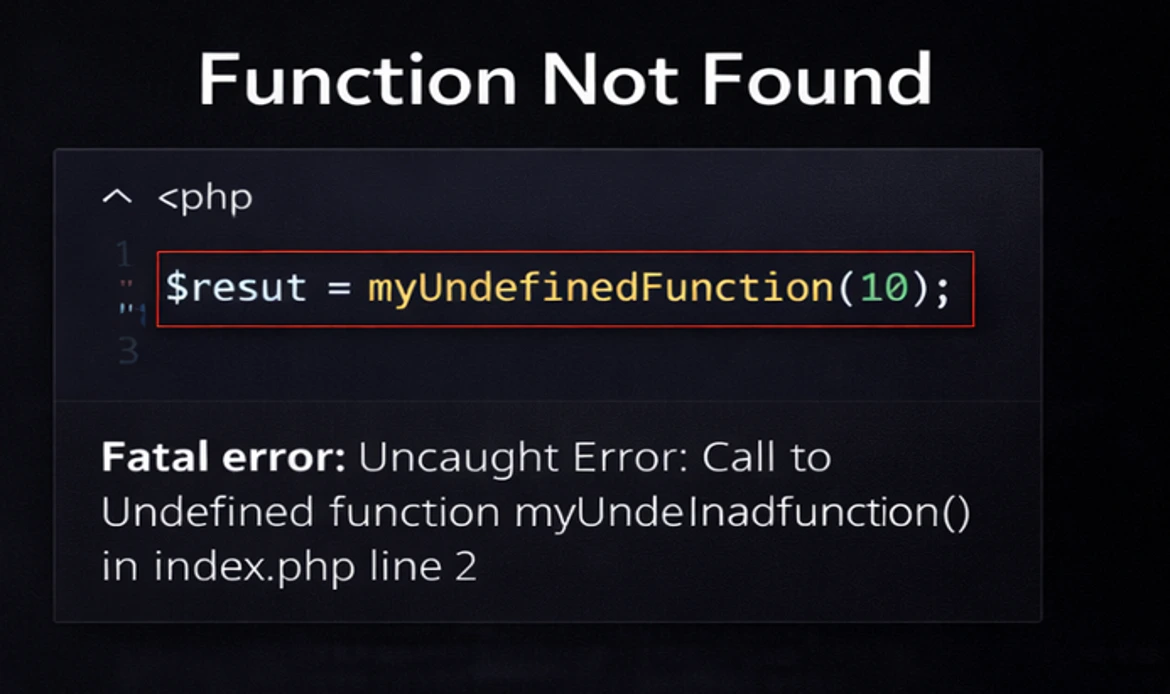
Error:
Calling a function or method that doesn’t exist.Solution:
Ensure the function/method is defined and spelled correctly.Example:
// Function not found error
myFunction();

// Define the function
function myFunction() {
    // Function code here
}
7. Include/Require Errors
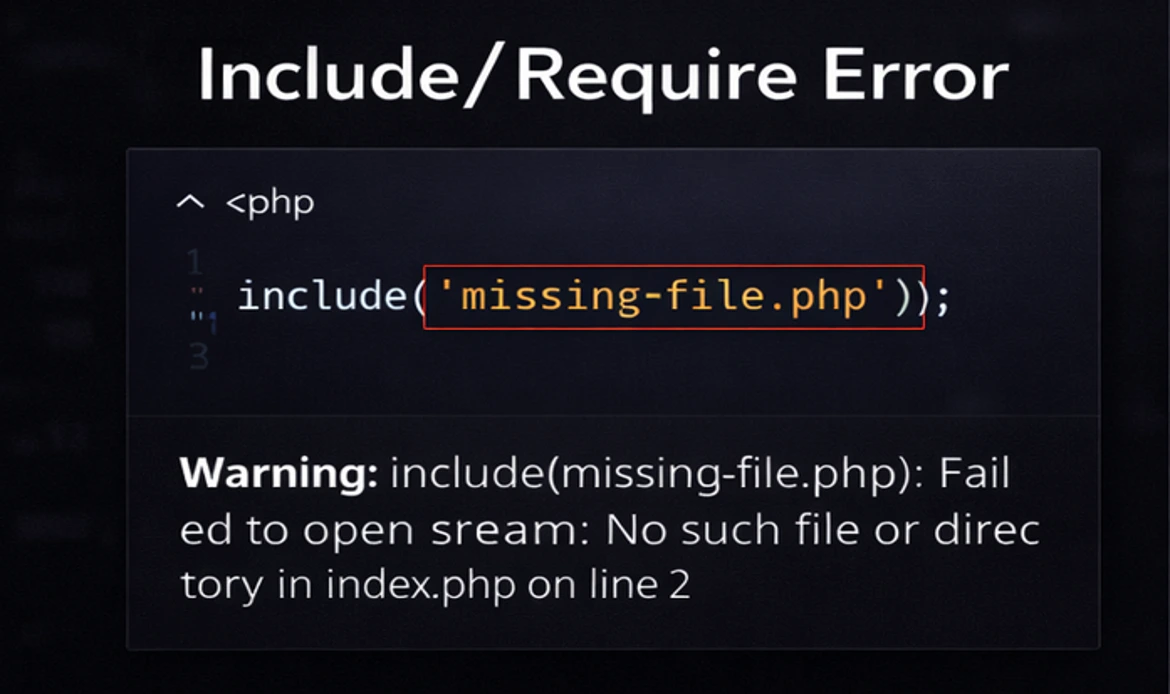
Error:
Failing to include or require a file that doesn’t exist.Solution:
Verify the file path and ensure the file exists before including or requiring it.Example:
// Include file that doesn't exist include "nonexistent.php"; // Include errorSolution:
// Check if the file exists before including it if (file_exists("nonexistent.php")) { include "nonexistent.php"; } else { echo "File does not exist."; }
8. Maximum Execution Time Exceeded

Error:
Scripts running longer than the server’s maximum execution time.Solution:
Optimize your code to reduce execution time or increase the maximum execution time in PHP settings using set_time_limit().Example:
// Simulate a long-running script
while (true) {}

Solution:

// Increase the maximum execution time (not recommended for all scripts)
set_time_limit(60); // Set to 60 seconds
while (true) {}
9. Memory Exhaustion
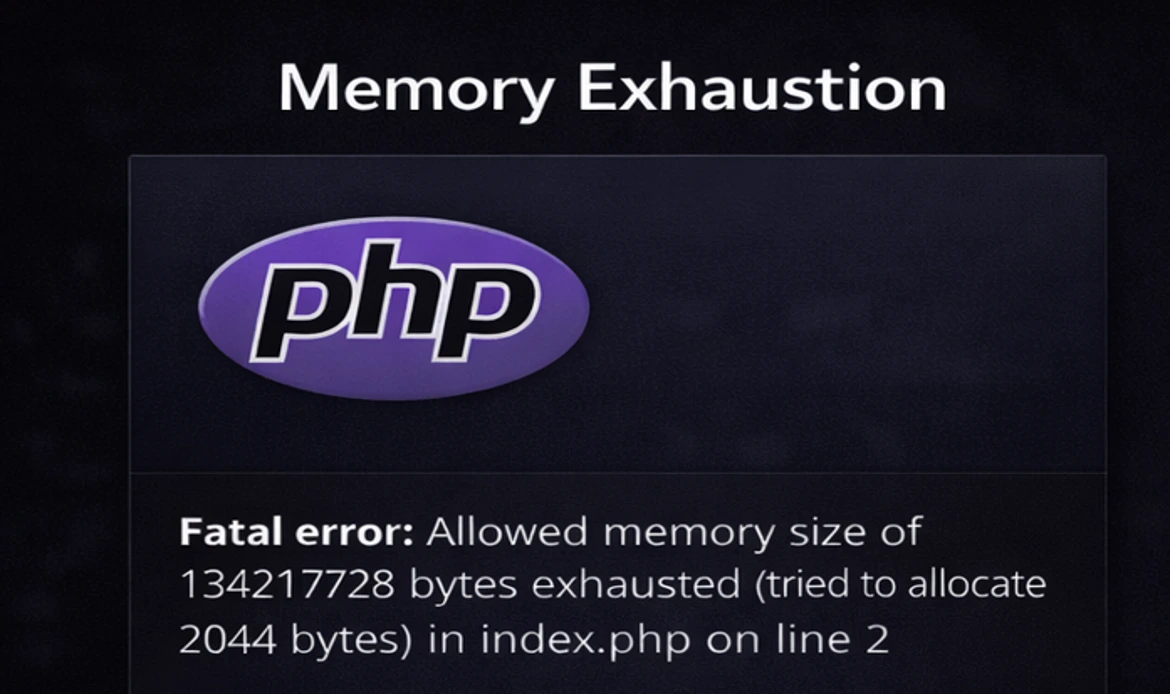
Error:
Running out of memory while executing a PHP script.Solution:
Optimize memory usage, unset variables when they are no longer needed, and increase PHP’s memory limit using ini_set().Example:
// Consuming too much memory
$largeArray = range(1, 1000000);
Solution:
// Increase memory limit (not recommended for all scripts)
ini_set('memory_limit', '256M');
$largeArray = range(1, 1000000);
10. File Upload Errors
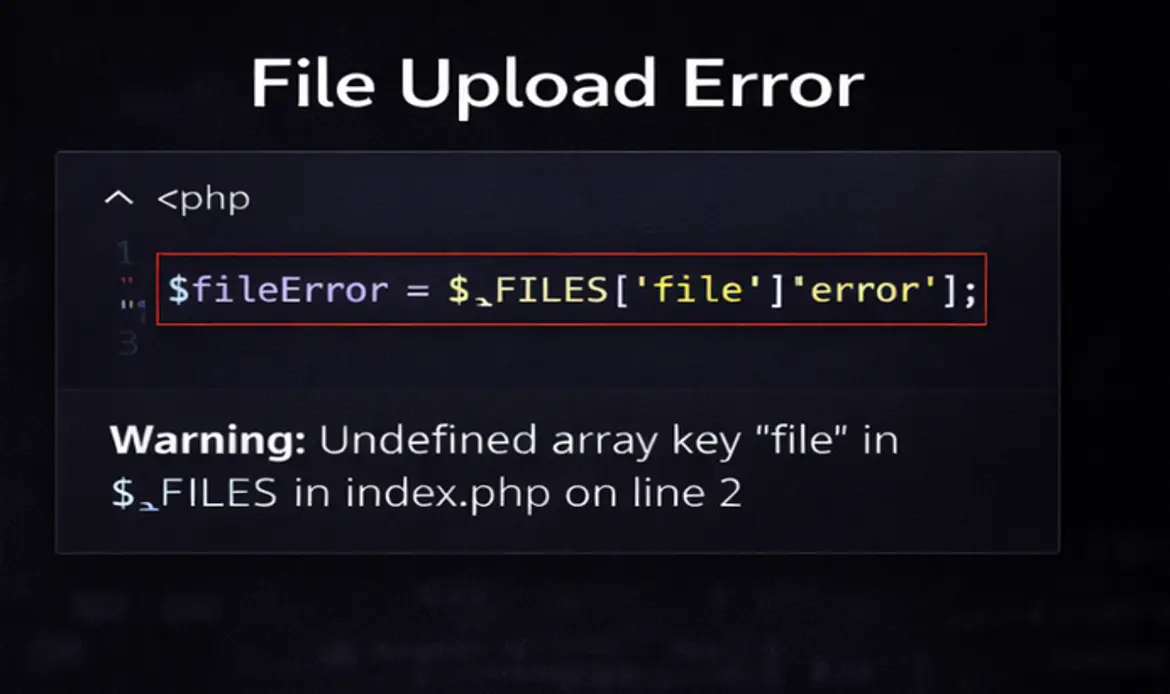
Error:
Errors related to file uploads, such as exceeding the upload_max_filesize or post_max_size limits.Solution:
Adjust PHP configuration settings like upload_max_filesize and post_max_size in your php.ini file. Additionally, check for file upload errors using $_FILES[‘file’][‘error’].Example:
// File upload error
if ($_FILES['file']['error'] !== UPLOAD_ERR_OK) {
    echo "File upload failed.";
}

Solution:
// Adjust PHP configuration settings (php.ini)
; Maximum allowed size for uploaded files.
upload_max_filesize = 32M

; Must be greater than or equal to upload_max_filesize
post_max_size = 32M
11. SQL Injection
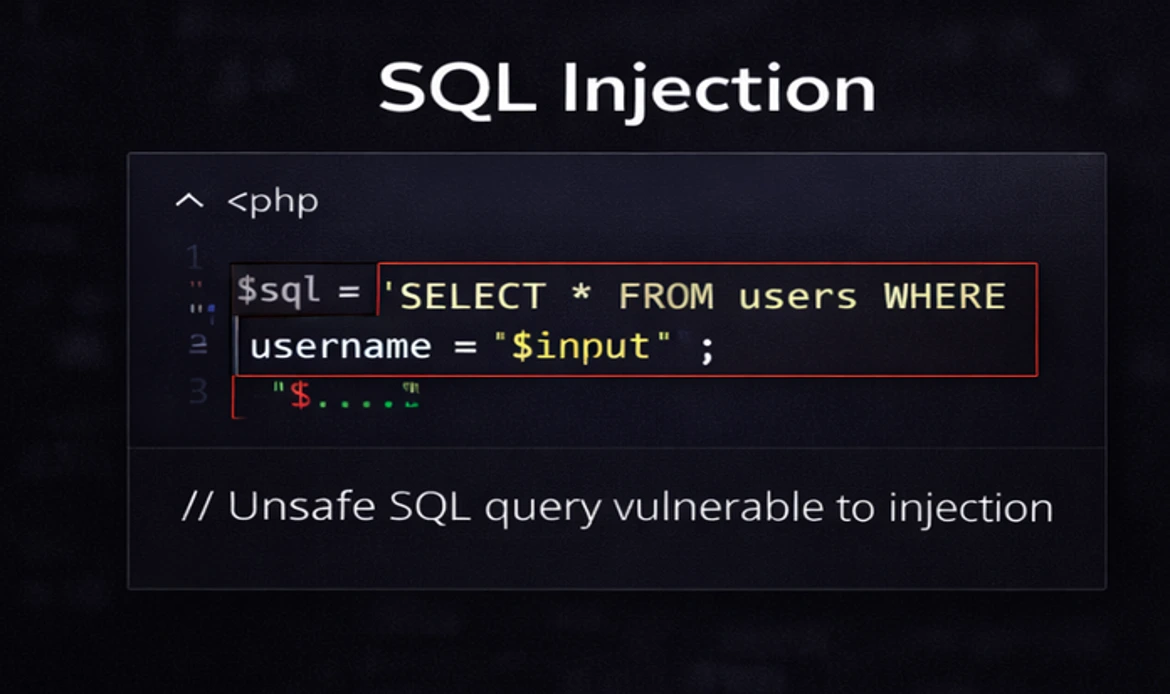
Error:
Vulnerability that allows malicious users to manipulate your database by injecting SQL code into user inputs.Solution:
Use prepared statements and parameterized queries to prevent SQL injection. Never trust user inputs and sanitize data before inserting it into SQL queries.Example (vulnerable code):
$userInput = $_POST['username'];
$sql = "SELECT * FROM users WHERE username = '$userInput'";
Solution:
$userInput = $_POST['username'];
$stmt = $pdo->prepare("SELECT * FROM users WHERE username = ?");
$stmt->execute([$userInput]);
12. Cross-Site Scripting (XSS)

Error:
Vulnerability that allows attackers to inject malicious scripts into web pages viewed by other users.Solution:
Sanitize user inputs and use output escaping functions like htmlspecialchars() to prevent XSS attacks.Example (vulnerable code):
$userInput = $_POST['comment'];
echo $userInput; // Vulnerable to XSS
Solution:
$userInput = $_POST['comment'];
echo htmlspecialchars($userInput, ENT_QUOTES, 'UTF-8');
13. Missing Extensions

Error:
Attempting to use a PHP extension that is not enabled.Solution:
Enable the required extension in your php.ini file or contact your hosting provider to enable it for you.Example:
// Attempting to use the GD extension without enabling it
$image = imagecreate(100, 100); // Error: Call to undefined function imagecreate()
Solution
// Enable the GD extension in php.ini
extension=gd
14. Error Handling
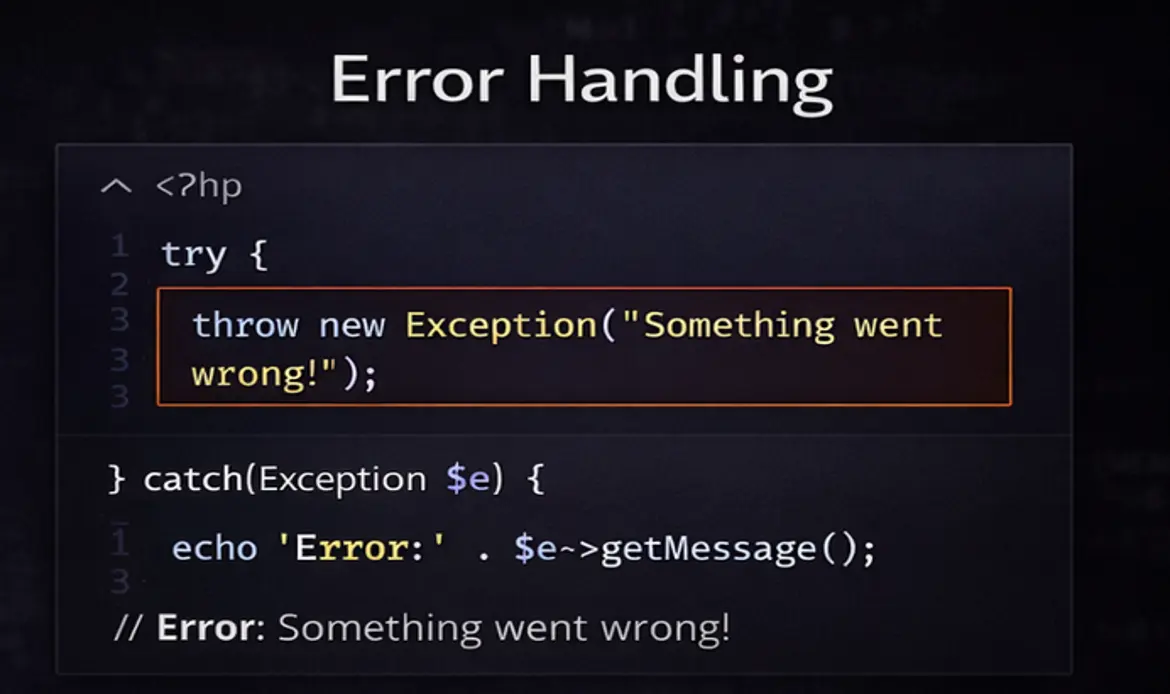
Error:
Failing to handle errors gracefully, leading to security issues and unexpected behavior.Solution:
Implement proper error handling using try-catch blocks for exceptions, and use error_reporting() and ini_set() functions to control error reporting and logging.Example (error reporting):
// Show all errors (not recommended for production)
error_reporting(E_ALL);
ini_set('display_errors', 1);
Solution (proper error handling):
// Use try-catch for exception handling
try {
    // Code that may throw exceptions
} catch (Exception $e) {
    // Handle the exception
    echo "An error occurred: " . $e->getMessage();
}
15. Version Compatibility

Error:
Using PHP code or functions that are not compatible with the version of PHP you are running.Solution:
Ensure that your PHP code is compatible with the PHP version installed on your server. Upgrade your code or consider upgrading your PHP version.Example:
// Using a PHP 8.0 feature on a server running PHP 7.4
match ($value) {
    1 => "One",
    2 => "Two",
    default => "Other"
};
Solution:
Upgrade to PHP 8.0 or rewrite the code to work with PHP 7.4.
16. Database Connection Errors
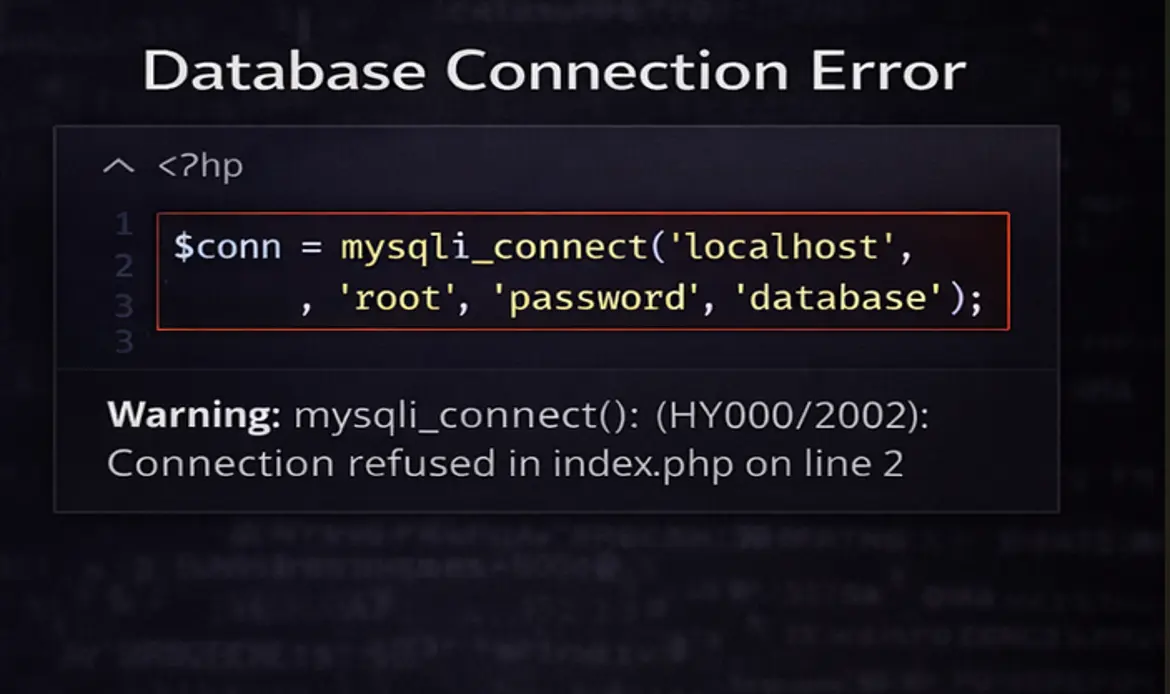
Error:
Failing to establish a connection to the database.Solution:
Check your database credentials and make sure the database server is running. Use try-catch blocks to handle database connection errors gracefully.Example:
// Attempt to connect to the database
$conn = new mysqli("localhost", "username", "password", "dbname");

// Check for connection errors
if ($conn->connect_error) {
    die("Connection failed: " . $conn->connect_error);
}
Solution (with error handling):
try {
    // Attempt to connect to the database
    $conn = new mysqli("localhost", "username", "password", "dbname");
} catch (Exception $e) {
    die("Database connection failed: " . $e->getMessage());
}
17. Session Handling Errors
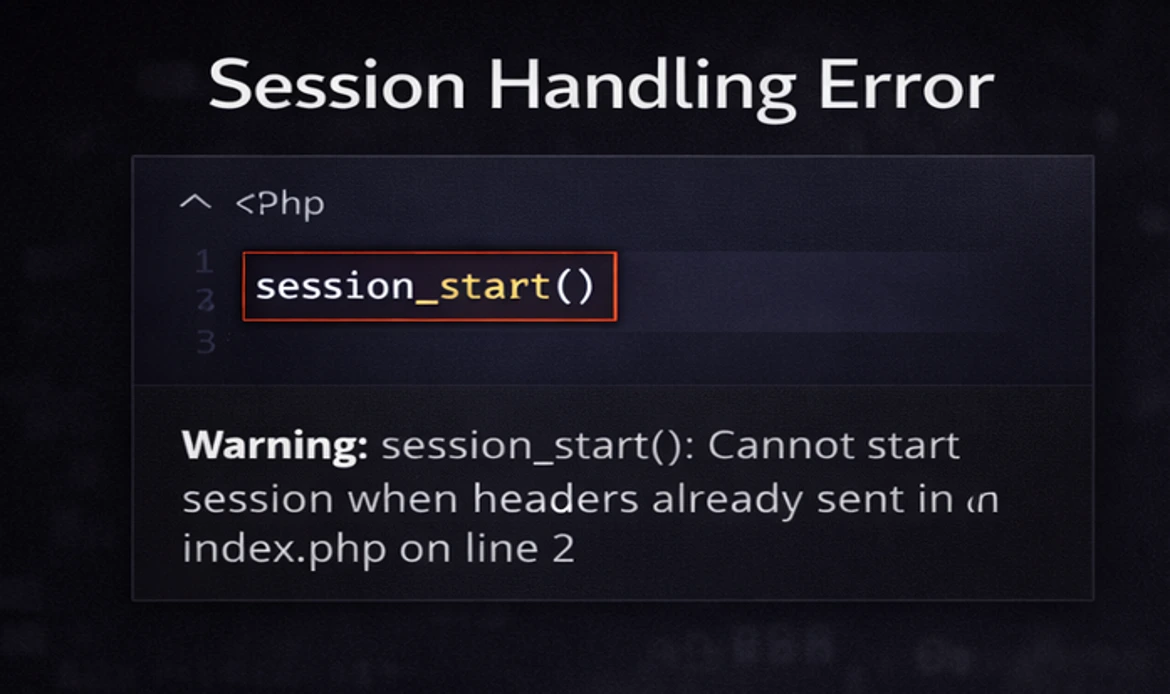
Error:
Issues with PHP sessions, such as session_start() failures or session data not persisting.Solution:
Ensure that you call session_start() at the beginning of your script and that your server has session support enabled. Verify session.save_path in php.ini is writable.Example:
// Attempt to start a session
session_start(); // Error if it fails
Solution:
// Start a session with error handling
if (session_status() == PHP_SESSION_NONE) {
    session_start();
}
18. Timezone Configuration
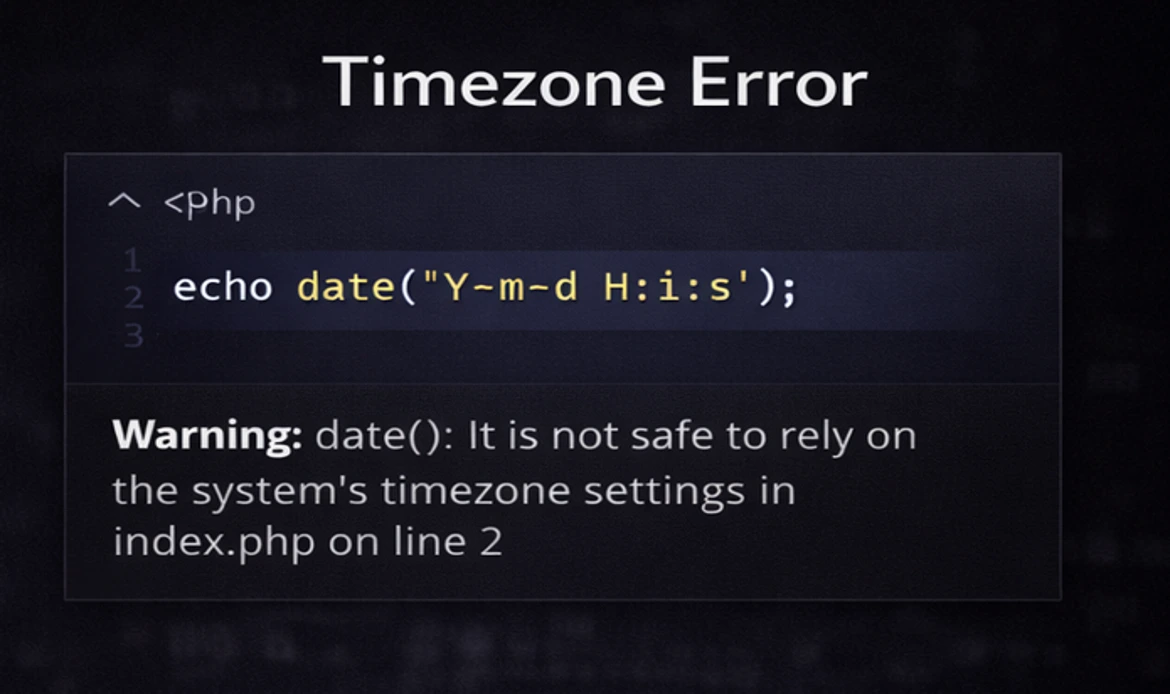
Error:
Date and time-related errors due to incorrect timezone settings.Solution:
Set the correct timezone using the date_default_timezone_set() function or configure it in php.ini.Example:
// Date-related error due to timezone not set
echo date("Y-m-d H:i:s");
Solution:
// Set the timezone
date_default_timezone_set("America/New_York");
echo date("Y-m-d H:i:s");
19. Cross-Origin Resource Sharing (CORS) Errors

Error:
CORS issues when making AJAX requests or loading resources from different domains.Solution:
Configure your server to include appropriate CORS headers or use PHP to set headers for cross-origin requests.Example (server-side PHP to allow CORS):
// Set CORS headers
header("Access-Control-Allow-Origin: *");
header("Access-Control-Allow-Methods: GET, POST, OPTIONS");
header("Access-Control-Allow-Headers: Content-Type, Authorization");
Solution (client-side JavaScript with fetch API):
fetch("https://api.example.com/data", {
    method: "GET",
    headers: {
        "Authorization": "Bearer token"
    }
})
.then(response => response.json())
.then(data => console.log(data))
.catch(error => console.error(error));
20. Custom Error Handling
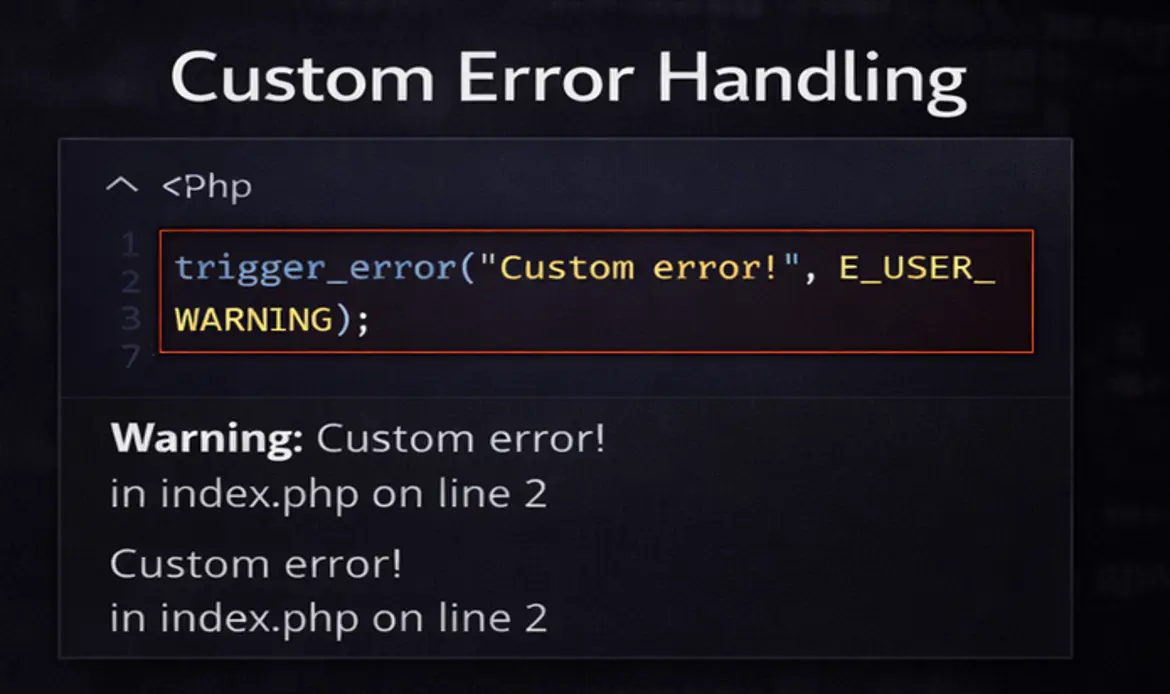
Error:
Handling custom errors specific to your application.Solution:
Implement custom error handling using PHP’s trigger_error() function to log and handle errors unique to your application.Example (custom error handling):
// Custom error
$errorMsg = "This is a custom error message.";
trigger_error($errorMsg, E_USER_ERROR);
Solution (custom error handler function):
// Custom error handler function
function customErrorHandler($errno, $errstr, $errfile, $errline) {
    // Log or handle the error
    error_log("Error: $errstr in $errfile on line $errline");
    // Display a user-friendly error page
    include("error_page.php");
    exit(1);
}

// Set the custom error handler
set_error_handler("customErrorHandler");
Why PHP Errors Occur in WordPress and Web Applications
PHP errors often occur due to misconfigured servers, outdated PHP versions, incompatible plugins, or poorly written code. In WordPress websites, PHP errors are commonly triggered by themes or plugins that are not compatible with the current PHP version.
Additionally, changes made during updates, custom code edits, or missing PHP extensions can result in errors such as “a PHP error was encountered” or white screen issues. Identifying the root cause early helps prevent performance drops and security risks.
Therefore, learning how to recognize and fix PHP errors is crucial for maintaining stable, fast, and secure websites.
Frequently Asked Questions About Common PHP Errors and How to Fix Them
What are the most common PHP errors on websites?
Common PHP errors include syntax errors, undefined variables, deprecated functions, and database connection issues. These errors can cause a website to malfunction or display error messages to users if not addressed promptly.
How can I troubleshoot PHP errors effectively?
Enable PHP error reporting, check server logs, and use debugging tools or plugins to pinpoint the cause, especially when you see messages like a php error was encountered. Reviewing recent code changes and testing in a development environment also helps identify and resolve issues safely
What are best practices to prevent PHP errors?
To prevent PHP errors, write clean, well-tested code, keep PHP and related software up to date, avoid deprecated functions, and implement proper error handling. Regular backups and staging environments also reduce the risk of live site errors.
Why am I getting a PHP error on my WordPress site?
A PHP error in WordPress is often caused by incompatible plugins, outdated themes, or unsupported PHP versions. Enabling debug mode helps identify the exact source of the issue.
How do I fix “a PHP error was encountered” message?
This error usually appears due to incorrect code, missing files, or server misconfigurations, and sometimes shows messages like a php error was encountered. Checking error logs, enabling debug mode, and reviewing recent changes can help resolve the issue quickly.
Can PHP errors affect website SEO and performance?
Yes, unresolved PHP errors can slow down your website, break functionality, and negatively impact user experience, which can affect SEO rankings.
What tools can help debug PHP errors?
Tools like Xdebug, server error logs, and browser developer tools provide detailed insights into PHP issues and help developers fix errors efficiently.
How can I enable PHP error reporting?
You can enable PHP error reporting by updating the php.ini file or adding code such as error_reporting(E_ALL) and display_errors settings in your script, especially when troubleshooting issues like a php error was encountered.
Are PHP errors caused by hosting issues?
Yes, PHP errors can occur due to server configuration problems, outdated PHP versions, or limited hosting resources.
How often should I check for PHP errors on my website?
It is recommended to monitor PHP errors regularly, especially after updates or changes, to ensure your website runs smoothly.
Conclusion
Understanding and fixing common PHP errors is a vital skill for any developer or website owner. While errors are unavoidable, knowing how to troubleshoot them efficiently ensures better performance, security, and long-term stability.
As we draw the curtains on our exploration of ‘Common PHP Errors and Solutions,’ we hope this guide has served as a valuable compass on your PHP development journey. In the ever-evolving landscape of web development, encountering errors is not a sign of weakness but rather an opportunity for growth and improvement and at times you may see messages like a php error was encountered.
Remember that while this guide covers many common pitfalls and their remedies, the world of PHP is vast and diverse. Stay curious, keep learning, and embrace the ever-expanding possibilities that PHP offers. Don’t hesitate to seek out online communities, forums, and fellow developers for assistance when you face novel challenges.
Quickly Identify and Fix Common PHP Errors
Keep your WordPress theme running flawlessly by detecting and resolving PHP issues before they impact performance. Whether it’s a missing function, syntax error, or outdated plugin, proactive maintenance ensures your website stays fast, secure, and reliable.