

In 2026, WordPress websites are facing more sophisticated cyber threats than ever before, with attackers using automation, AI-driven scripts, and zero-day exploits to target core files and databases. To Secure WordPress database 2026, website owners must move beyond basic protection and adopt advanced, layered security practices that protect sensitive data, credentials, and user information.
From improving access control to strengthening server configurations and encrypting critical records, the goal is to eliminate weak entry points before attackers exploit them. A secured database not only protects valuable information but also ensures consistent performance, compliance with data regulations, and long-term trust from users and clients who rely on your website every day.
Modern WordPress Database Security Framework for 2026
1. AI-Driven Threat Detection for Databases

In 2026, cybercriminals rely heavily on automation and intelligent scripts to exploit weaknesses in WordPress databases. AI-driven threat detection systems use machine learning to study normal activity and quickly identify abnormal patterns that signal an attack. These systems continuously track query behavior, connection attempts, and data requests, allowing them to react in milliseconds. By analyzing trends in real-time, they can isolate potential threats before any real damage is done. This proactive approach reduces dependency on manual monitoring and ensures round-the-clock protection, even when administrators are offline.
Enhanced Security Actions:- Monitor behavioral anomalies in queries
- Instantly neutralize automated attack attempts
- Recognize abnormal query patterns
- Flag suspicious access behavior
- Trigger real-time security responses
2. Advanced Database Encryption Methods

Protecting database content in 2026 requires more than traditional security measures. Advanced encryption ensures that even if unauthorized access occurs, sensitive data remains unreadable and useless to attackers. Modern encryption transforms your information into secure code that can only be accessed by authorized systems. This shields critical data such as personal user information, passwords, financial records, and proprietary content. Combined with secure transmission protocols, it creates a powerful barrier against data theft, making your WordPress environment highly resilient to breaches.
Enhanced Security Actions:- Apply high-level encryption algorithms
- Shield login and private credentials
- Lock down backup data with cryptography
- Enable encrypted data transfer
- Prevent unauthorized data interpretation
3. Strong User Permission & Role Control

One of the most common reasons for data breaches is poorly managed user access. In 2026, WordPress websites often have many users, collaborators, and third-party integrations. Strong permission and role control ensures that each person only has access to the data they truly need. By reducing unnecessary privileges, you minimize the risk of internal and external threats. This system makes it nearly impossible for unauthorized accounts to manipulate core data or execute dangerous commands.
Enhanced Security Actions:- Restrict high-level administrator access
- Deactivate outdated or unused users
- Implement permission hierarchy models
- Record and review account activity
- Use protected session handling
4. Database Firewall & Query Filtering
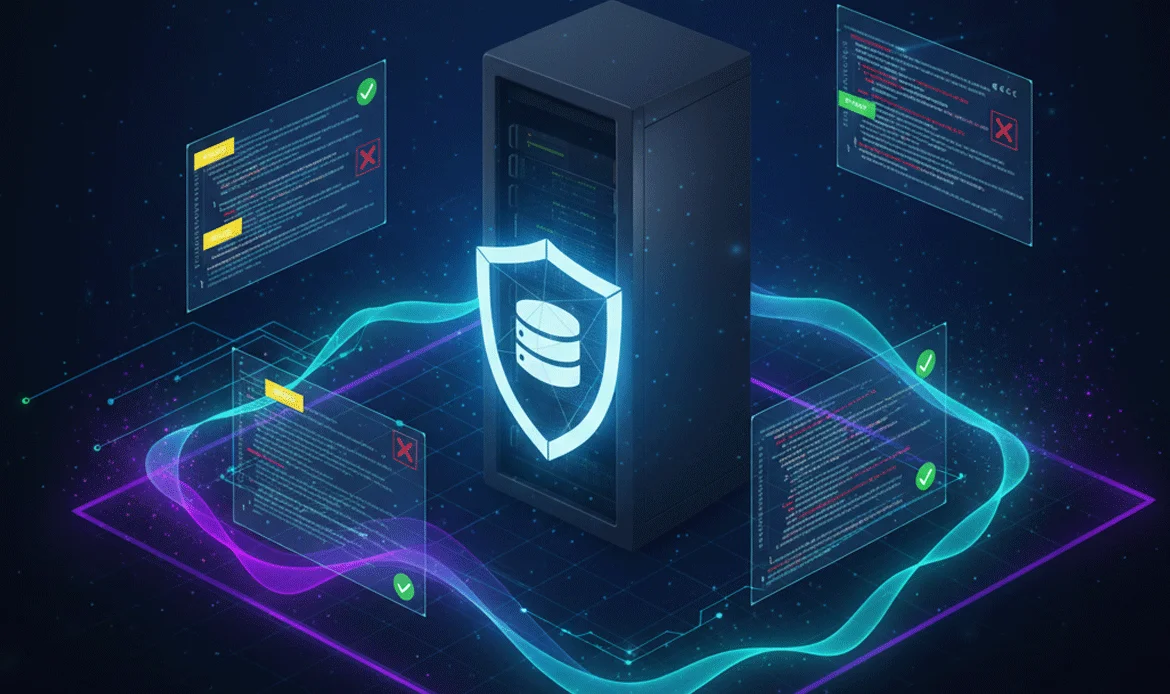
A powerful database firewall acts as a security gatekeeper between external access and your internal data. It inspects every request attempting to interact with the database. If the system identifies harmful commands or suspicious intent, it blocks them instantly. Advanced query filtering ensures that only authorized, safe commands can reach the database. This significantly lowers the risk of SQL injection attacks and unauthorized modifications.
Enhanced Security Actions:- Deny malicious command executions
- Control traffic by IP reputation
- Inspect incoming data requests Block unknown or risky sources Thwart automated hacking programs
5. Automated & Secure Backup Systems

No matter how strong your protection is, having a reliable recovery plan is essential. Automated and secure backup systems create encrypted copies of your database at scheduled intervals. These backups are stored on remote, protected servers, ensuring that even if your website is compromised, you can restore your data without loss. This adds an extra layer of safety and guarantees businesses continuity.
Enhanced Security Actions:- Generate scheduled backup snapshots
- Store encrypted backup archives
- Use protected cloud or offline storage
- Enable rapid data restoration
- Verify backup integrity regularly
6. Real-Time Server & Activity Monitoring

Constant visibility is critical for identifying threats as they occur. Real-time monitoring keeps track of server health, login attempts, data usage, and system changes. If suspicious activity is detected, alerts are generated instantly, allowing immediate response. This continuous insight makes it far easier to stop attackers before they can exploit vulnerabilities.
Enhanced Security Actions:- Observe live server activity
- Detect irregular access attempts
- Track file and data changes
- Keep logs of suspicious events
- Block repeated malicious entries
7. Secure Hosting & Database Isolation

The environment your website is hosted on plays a major role in its security. Secure hosting with database isolation ensures your site operates in its own protected space. This prevents threats from spreading between websites on the same server. With containerization and advanced isolation methods, cross-site vulnerabilities are eliminated and database integrity is maintained at all times.
Enhanced Security Actions:- Deploy container-based hosting
- Enable advanced server shields
- Separate mission-critical components
- Limit shared environment risks
- Strengthen server boundaries
8. Plugin & Core Vulnerability Prevention
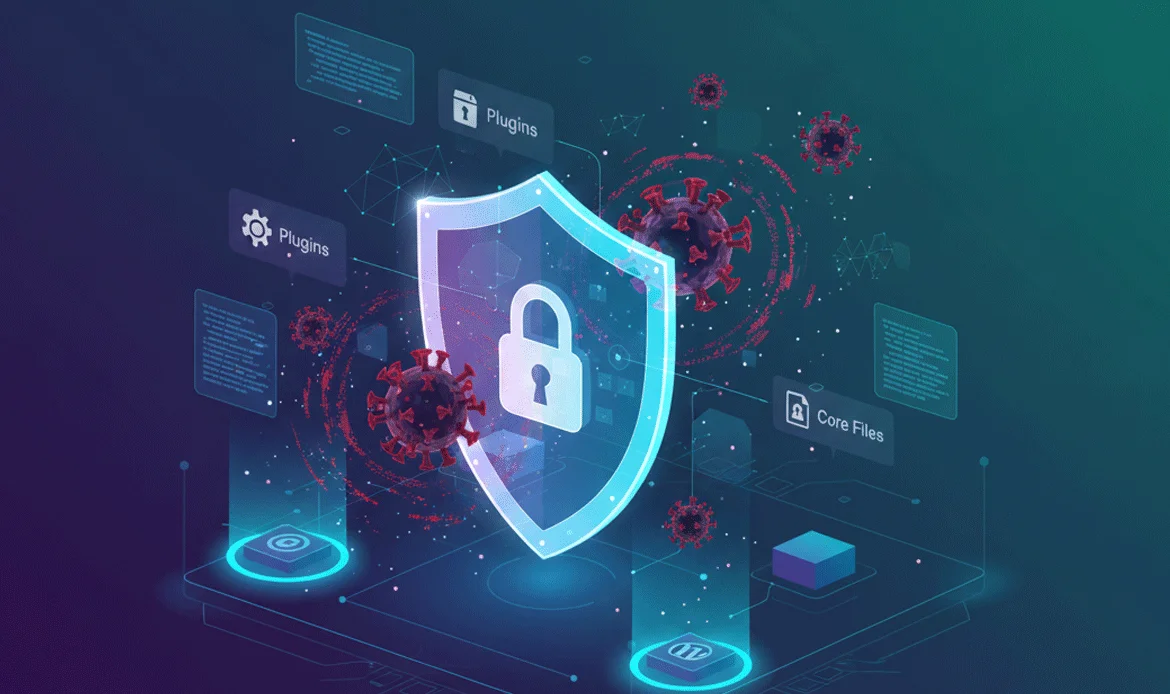
Plugins and themes expand the power of WordPress but also introduce potential risks. Many attacks occur due to outdated or insecure extensions. Regular updates and proactive scanning are essential to eliminate known vulnerabilities. Choosing verified, trusted sources and removing unused tools keeps your database environment secure and optimized.
Enhanced Security Actions:- Perform routine software updates
- Eliminate unused or risky plugins
- Apply latest security patches
- Conduct malware inspection
- Verify source credibility
9. Strong Authentication & Login Protection

A strong authentication system is one of the most effective ways to stop cyber threats. Multi-layer entry protection ensures that even if passwords are exposed, attackers cannot access the system. Advanced login security tools add extra verification steps and limit repeated access attempts, making brute-force attacks nearly impossible.
Enhanced Security Actions:- Activate multi-step verification
- Enforce complex password rules
- Introduce visual verification systems
- Apply login lockout limits
- Analyze sign-in records
10. Regular Security Audits & Testing

Even the best security setup must be reviewed regularly. Security audits identify hidden weaknesses in your system. By performing vulnerability testing, penetration checks, and configuration reviews, you can fix issues before attackers find them. This ongoing evaluation ensures your WordPress database remains protected as threats evolve.
Enhanced Security Actions:- Conduct comprehensive system evaluations
- Identify hidden vulnerabilities
- Run penetration and stress tests
- Improve weak security points
- Schedule routine security reviews
Common Questions About WordPress Security
Why is WordPress database security critical in 2026?
With the rise of AI-powered cyberattacks and automated bots, databases have become prime targets. Securing them protects user data, login credentials, and sensitive business information from unauthorized access.
What is the biggest threat to WordPress databases today?
The most common threats include SQL injection attacks, brute-force login attempts, malware injections, and plugin vulnerabilities that expose database structures.
How often should a WordPress database be secured?
Security should be monitored daily, with full system scans and updates conducted weekly and detailed security audits performed monthly.
Can free plugins protect my WordPress database effectively?
Some free plugins offer basic protection, but advanced threats in 2026 require premium-grade security solutions with AI monitoring, firewalls, and encryption features.
What role does encryption play in database protection?
Encryption ensures that even if attackers gain access, the data inside your database remains unreadable and useless without proper decryption keys.
How do backups help against cyberattacks?
Secure, encrypted backups allow you to quickly restore your database after an attack, preventing permanent data loss and downtime.
Is cloud hosting safer for WordPress databases?
Yes, secure cloud hosting provides better isolation, automated updates, and stronger firewall configurations than traditional shared hosting environments.
Conclusion
In today’s evolving digital landscape, database protection is no longer optional it is essential for survival. When you Secure WordPress database 2026, you are not just preventing attacks; you are building trust, preserving performance, and ensuring long-term stability for your website. From encryption and monitoring to role control and real-time protection, modern WordPress security strategies form a powerful shield against cyber threats. By acting early and maintaining consistent protection, website owners can stay one step ahead of hackers and protect valuable digital assets without compromise.
Theme Security & Performance Boost
Protect and power your website with our security-optimized WordPress themes, built with advanced database protection, speed optimization, firewall compatibility, and clean code architecture. Each theme is designed to support modern security practices, helping your site stay fast, safe, and reliable in 2026.