

Website loading speed is one of the most critical factors influencing user experience, engagement, and SEO rankings. When a website takes more than a few seconds to load, visitors tend to abandon it quickly. Fortunately, with tools like Elementor and Theme Fusion, you can build visually stunning pages without compromising performance. However, these tools need proper optimization to achieve fast loading speeds. This comprehensive guide explains every proven method to speed up WordPress site performance effectively and ensure it runs seamlessly on any device.
Optimize Your WordPress Setup for Faster Performance
1. Choose a Lightweight Theme and Clean Design

Selecting a lightweight and well-coded theme is the foundation for a faster WordPress site. Themes with unnecessary features, heavy graphics, and outdated code can slow down your website’s performance. Instead, opt for a minimal, performance-focused theme that integrates well with Elementor and Theme Fusion. Clean design and optimized structure ensure that your pages load faster and provide a smooth user experience. This is one of the best ways to speed up your WordPress site without sacrificing visual appeal.
2. Optimize Images Before Uploading

Images often account for a large portion of a website’s total page size. Compressing and resizing images before uploading them is crucial to maintaining fast load times. Tools like TinyPNG or ShortPixel can significantly reduce image size without compromising quality. Using the correct image formats such as WebP can also enhance performance. When images are optimized properly, they help speed up your WordPress site and improve the overall user experience.
3. Minimize and Combine CSS and JavaScript Files

Every CSS and JavaScript file adds an HTTP request that can slow down your site. By minimizing these files and combining them, you can reduce server load and improve page speed. Plugins like Autoptimize or WP Rocket can handle this process efficiently. They remove unnecessary characters, spaces, and line breaks, resulting in smaller file sizes. This optimization technique helps streamline the performance and speed up your WordPress site with Elementor and Theme Fusion.
4. Clean and Optimize Your WordPress Database
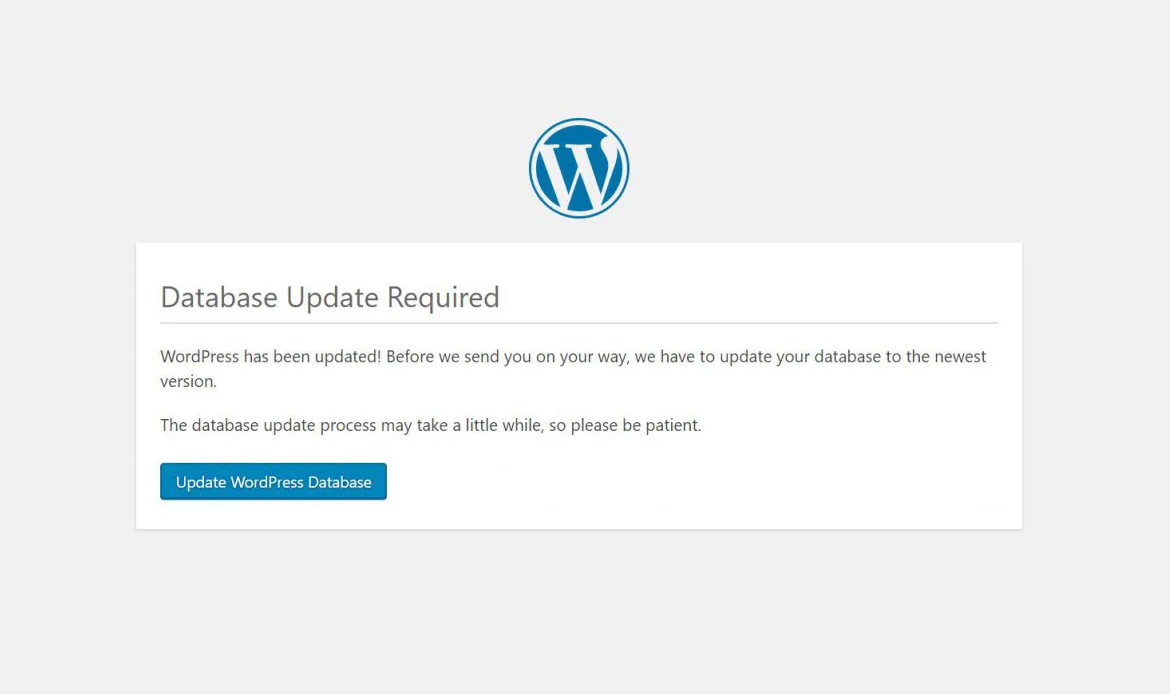
Over time, your WordPress database can accumulate unnecessary data such as post revisions, spam comments, and transient options. Regularly cleaning your database ensures that it runs efficiently. Plugins like WP-Optimize or Advanced Database Cleaner can automate this task. A well-maintained database not only saves space but also improves site response times, contributing to your efforts to speed up your WordPress site.
5. Use a Content Delivery Network (CDN)
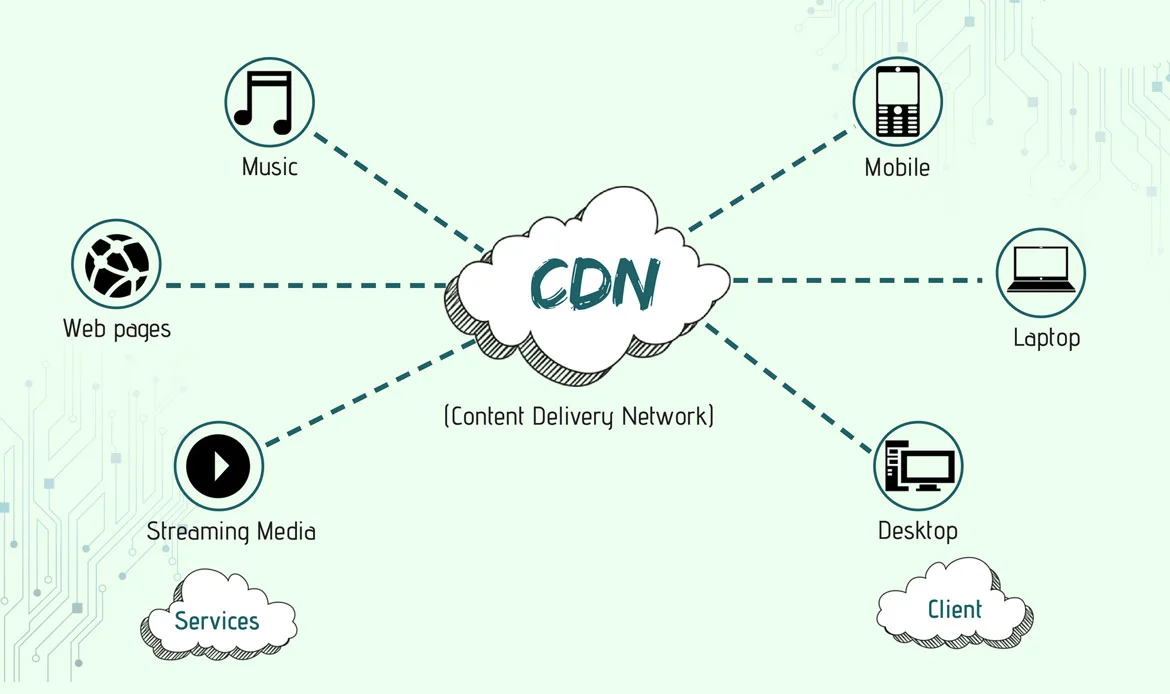
A CDN stores copies of your website’s static files on multiple servers across different locations. When a visitor accesses your site, the CDN delivers content from the nearest server, reducing latency and improving load time. Services like Cloudflare or BunnyCDN are great choices. This distributed network helps ensure global users experience faster load times, helping you speed up your WordPress site regardless of where your audience is located.
6. Enable Browser and Server Caching

Caching allows browsers to store copies of frequently accessed files so they don’t have to reload them each time a user visits. Browser caching improves repeat visit speeds, while server caching reduces the load on your hosting server. Tools like WP Super Cache or W3 Total Cache can help implement caching strategies effectively. When caching is set up properly, it dramatically improves performance and helps speed up your WordPress site.
7. Use Optimized Hosting for Elementor and Theme Fusion
Hosting plays a significant role in website performance. Not all web hosts are equally optimized for page builders like Elementor and Theme Fusion. Look for hosting providers that offer SSD storage, PHP 8.0+, and built-in caching. Managed WordPress hosting solutions such as SiteGround or WP Engine are particularly well-tuned for this. Choosing the right hosting environment ensures a faster, smoother experience and helps you speed up your WordPress site from the ground up.
8. Defer Non-Essential JavaScript

JavaScript can delay page rendering if loaded at the wrong time. Deferring non-essential scripts ensures that they only load after the main content has appeared, making the site feel faster for visitors. Many caching or optimization plugins include an option to defer JavaScript automatically. This technique reduces initial load time and is an effective way to speed up your WordPress site without losing functionality.
9. Reduce Redirects and Fix Broken Links
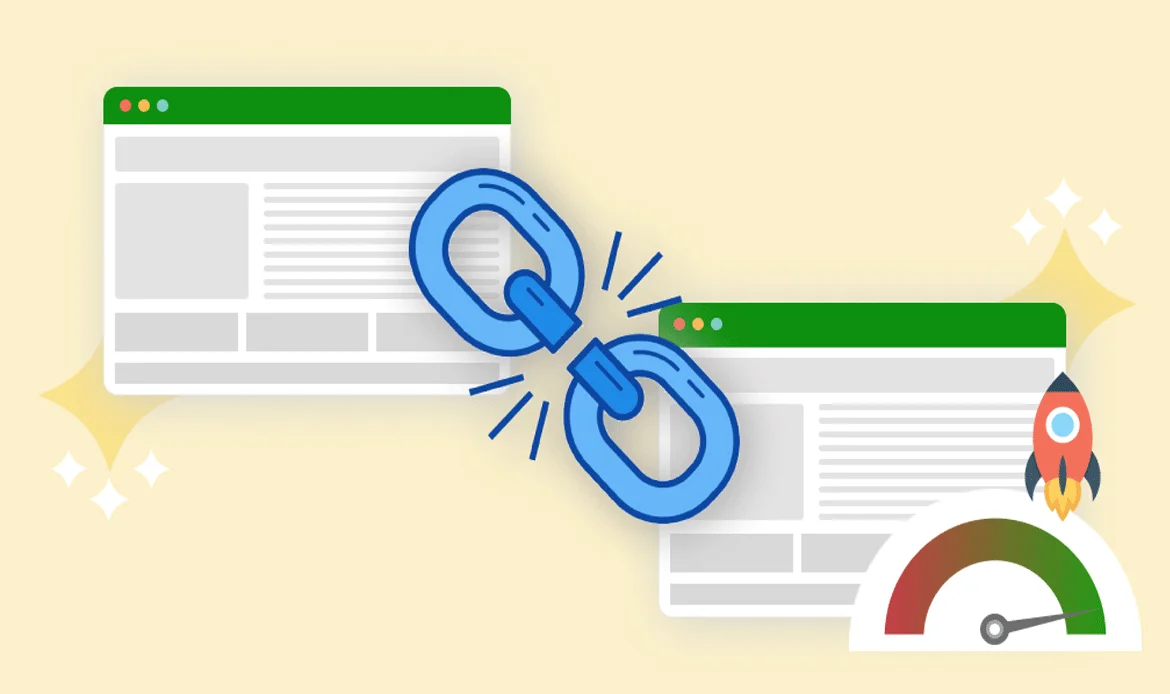
Redirect chains and broken links can slow down your site and hurt SEO. Each redirect adds extra time for the browser to find the final page, while broken links disrupt user experience. Regularly auditing your site for broken URLs and minimizing unnecessary redirects improves overall performance. Fixing these issues keeps navigation smooth and helps speed up your WordPress site in the long run.
10. Activate GZIP Compression

GZIP compression reduces the size of your website files before they’re sent to a visitor’s browser. This means smaller files and faster downloads. Most modern servers and caching plugins support GZIP compression. When enabled, it can cut file sizes by up to 70%, which dramatically enhances loading speed. Activating this feature is a simple yet powerful way to speed up your WordPress site and deliver a smoother user experience.
Frequently Asked Questions
Why is my WordPress site slow even with Elementor?
Heavy plugins, large images, and poor hosting can affect site speed. Applying the above strategies will significantly improve performance.
How does Theme Fusion impact website loading time?
Theme Fusion is feature-rich but may require optimization to run efficiently. Using caching, CDN, and proper configuration helps maintain fast speeds.
Can I improve speed without technical skills?
Yes, plugins like WP Rocket, Smush, and Autoptimize simplify optimization, making it easy to speed up WordPress site performance without coding.
Is hosting the most important factor in speed?
Hosting directly impacts site speed, uptime, and reliability. Opt for managed WordPress hosting to achieve better results with Elementor and Theme Fusion.
How often should I perform website maintenance?
Conduct monthly optimizations to keep your database, plugins, and themes updated for continuous performance improvement.
Conclusion
A fast-loading website not only enhances user satisfaction but also improves search rankings and conversion rates. Implementing these techniques to speed up WordPress site with Elementor and Theme Fusion ensures your visitors enjoy a seamless, high-performing experience. By combining lightweight design, proper caching, optimized images, and reliable hosting, you can create a WordPress site that excels in both beauty and performance.
Ready to Boost Your WordPress Performance?
Begin your optimization journey today. Streamline design elements, enable caching, and leverage fast hosting to transform your WordPress website into a lightning-fast digital presence that users love.